
Email signature templates for Outlook for business
Create an email signature for Outlook with a professional look, HTML layout, and clear information for clients, partners, and suppliers.
With Bybrand templates, your company can create an Outlook email signature template ready to use in Microsoft 365, whether in Outlook Web, Outlook for Windows, or Outlook for Mac.
The idea is to avoid improvised signatures and maintain consistent visual communication across the entire team.
Connect with your favorite tools:


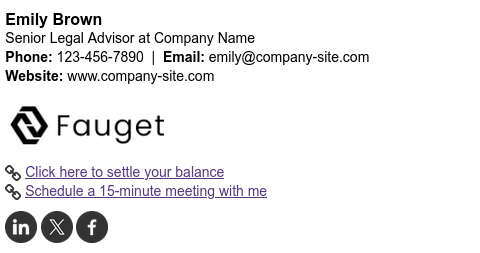
The main features of a corporate Outlook email signature:
 Consistent design for all Outlook for business users.
Ability to add links to important information.
Compatibility with Outlook 365, Windows, and Mac.
Standardization, preventing each employee from creating their own signature manually.
Consistent design for all Outlook for business users.
Ability to add links to important information.
Compatibility with Outlook 365, Windows, and Mac.
Standardization, preventing each employee from creating their own signature manually.
Create your perfect email signature for Outlook
With Bybrand, you don’t need to start from scratch. Choose a Microsoft Outlook email signature template, customize the key details, and use the signature in the Microsoft 365 corporate environment.
How does it work?

Select a template
Choose a template from Bybrand’s gallery or create a custom layout based on your company’s visual identity.

Customize with your company details
Add contact details and brand elements, and adjust the signature design in the Outlook editor.

Use in Outlook for business
Apply the signature in Outlook 365 (Web, Windows, and Mac) and keep your emails visually consistent.
 See the full feature presentation.
Establish your brand with professional email signatures
Standardize for more users
For teams, the biggest benefit is standardization. Instead of each employee creating their own signature, your company can use consistent templates and maintain the same visual standard across different departments, roles, and business units.



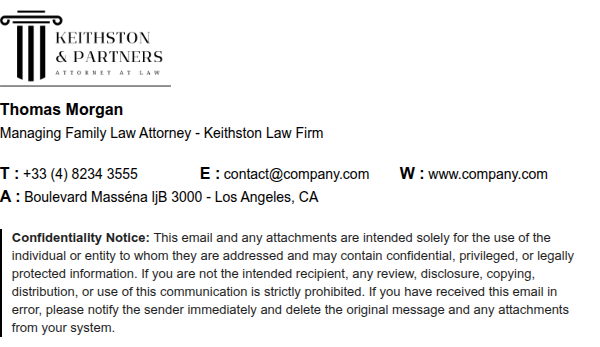
Why use a professional email signature in Outlook
An email signature is not just for showing a name and phone number. In corporate Outlook, it is part of the company’s daily communication and appears in messages sent to clients, leads, suppliers, and partners.
With a good Outlook email signature design, each message can reinforce your brand, make contact easier, and guide the recipient toward important actions.
Related features

Texto to HTML signature
Turn simple email signatures into dynamic HTML signature elements.

Send test by email
Beyond real-time visualization, you can send unlimited tests to any email account.

Editor in HTML mode
Perfect for experts! Edit the email signature in the HTML version.

Crop / Resize image
The ideal size and crop will create highly engaging images for your email signature in minutes.

Share signature
Share the email signature with a company collaborator or friend.

Create from scratch
An advanced method that allows you to create your own HTML email signature pieces.
Explore more about email signatures for Outlook
There are several questions that can arise when creating an email signature. It is important to adapt the signature to the target audience and include relevant elements that encourage people to engage with it.
 Guide
Guide
 Video
Video