This post is also available in:
Choosing an email signature manager seems like a simple task until your company needs to maintain hundreds of standardized signatures across different departments, domains, and devices.
After analyzing the top software available for Google Workspace, we’ve gathered the best SignatureSatori alternatives in this guide, comparing features, limitations, ease of use, integrations, scalability, and value for money.
Our goal isn’t just to list tools but to help IT, Marketing, and Communication teams choose the most suitable solution for every scenario.
Table of contents
How we evaluate SignatureSatori alternatives
To make this comparison impartial, we used the following criteria:
- Ease of implementation
- Integration with Google Workspace
- Compatibility with Outlook and Microsoft 365
- Automatic signature updates
- HTML editor and customization
- Centralized management
- Marketing features (banners and campaigns)
- Public reviews on platforms like Capterra and G2
- Price-to-feature ratio
These criteria reflect the main factors considered by companies that need to manage email signatures at scale.
What is SignatureSatori?
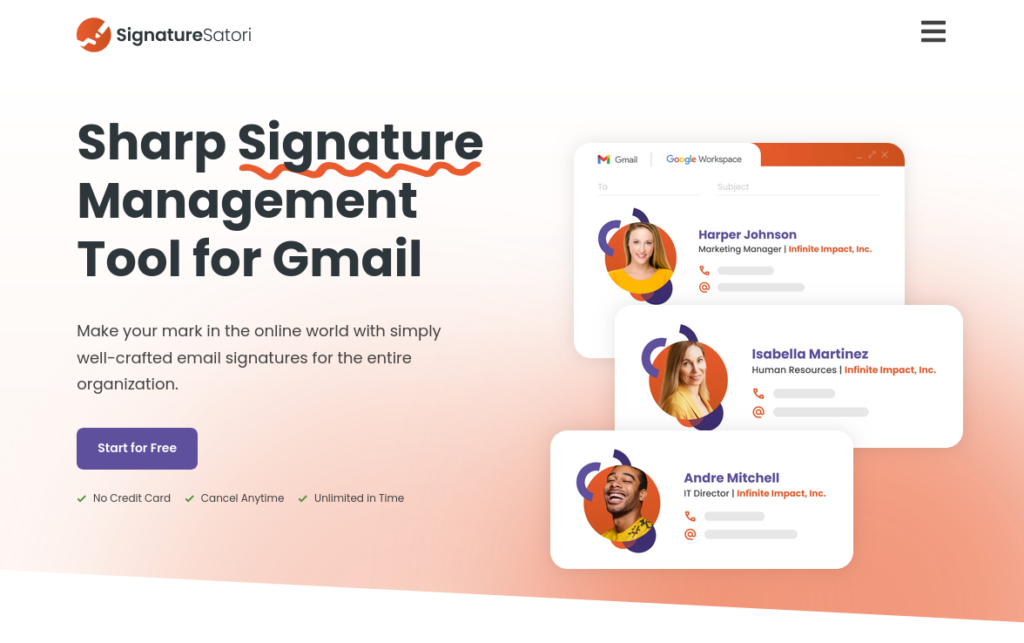
SignatureSatori is a software specialized in centralized signature management for organizations using Google Workspace.
Its purpose is to allow administrators to create standardized templates and automatically distribute signatures to all employees, without each user having to manually configure their Gmail.
Its main features include:
- Google Directory synchronization;
- Visual editor;
- Reusable templates;
- Multiple layouts;
- Email signature marketing.
For companies that exclusively use the Google ecosystem, it meets basic needs well.
However, as the organization grows, certain limitations begin to impact the decision.
When is it worth examining an alternative?
SignatureSatori remains a competent solution, but there are situations where another platform can deliver more value.
This usually happens when the company:
- uses Google Workspace, Zoho Mail, and Microsoft 365 simultaneously;
- needs to update hundreds of signatures daily;
- manages several domains (multiple organizations);
- requires better mobile app support;
- seeks a more modern administrative interface.
In these scenarios, other solutions end up offering a more complete experience.
Main limitations of SignatureSatori
1. Limited compatibility
The almost exclusive focus on Google Workspace reduces its flexibility for companies with hybrid environments.
Organizations using Outlook or Microsoft 365 often need to turn to parallel solutions.
2. Administration
While functional, the admin panel requires a longer adaptation period compared to more recent competitors.
Some administrative operations could also require fewer steps.
3. Synchronization
Depending on the Google Workspace organizational structure, new users or organizational units may require additional synchronizations.
In larger companies, this increases operational workload.
4. Mobile device signatures
Another point frequently cited by users is the limitation for managing signatures in the Gmail mobile app. Additionally, the interface is not responsive, as reported by a customer on G2.
Depending on company policy, this can lead to inconsistencies across devices.
Comparison of the best SignatureSatori alternatives
Quick comparison:
| Platform | Ideal for | Google Workspace Integration | Marketing | Scalability |
|---|---|---|---|---|
| Bybrand | Small and medium-sized businesses | Excellent | Yes | High |
| MySignature | Small businesses | Good | Limited | Medium |
| Signitic | Marketing and Sales | Good | Excellent | High |
| CodeTwo | Microsoft 365 | Limited | Good | Very high |
| WiseStamp | Professionals and small businesses | Good | Basic | Medium |
1. Bybrand
- Price: From $8 per month
- Location: https://www.bybrand.io/
- Capterra Rating: 4.9 / 5 (111 reviews)
- G2 Rating: 4.7 / 5 (15 reviews)
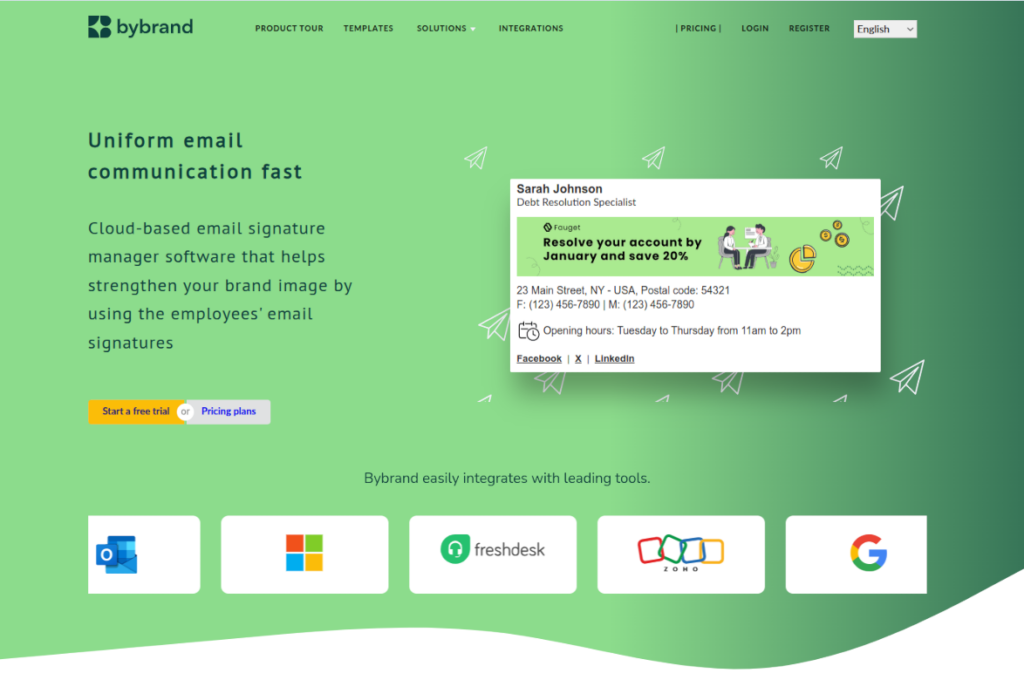
Bybrand is a platform developed to completely automate corporate signature management.
Its main differentiator is the automatic synchronization with Google Workspace, allowing you to update signatures for hundreds or thousands of users in just a few minutes.
Demo for Google Workspace:
Another highlight is the advanced HTML editor, support for multiple domains, aliases, marketing campaigns, and smart variables that automatically fill in each employee’s information.
Strengths
- Intuitive interface
- Automatic synchronization
- HTML editor
- Support for multiple domains
- Promotional banners
- Excellent user reviews
Limitations
Tiny companies might not use all the available features.
2. MySignature
- Price: From $6 per user per month
- Location: https://mysignature.io/
- Capterra Rating: 4.8 / 5 (17 reviews)
- G2 Rating: 4.7 / 5 (177 reviews)
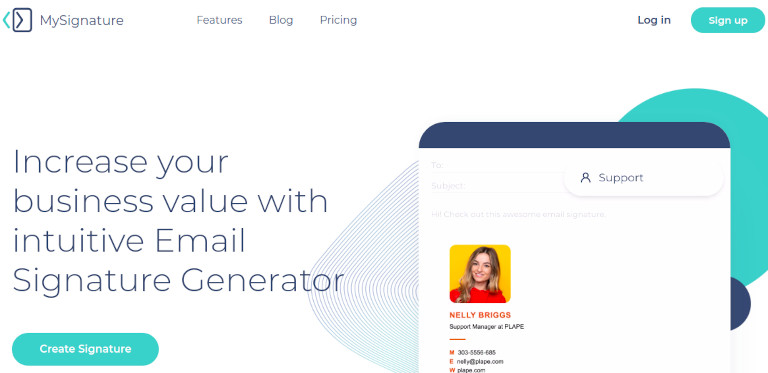
MySignature prioritizes simplicity. Its editor is intuitive and allows you to create professional signatures quickly.
It is mainly recommended for small businesses and teams that do not require very advanced automation.
Strengths
- Easy setup
- Good templates
- User-friendly interface
Limitations
Fewer administrative features for large organizations.
3. Signitic
- Price: $1.11 per user per month
- Website: https://www.signitic.com/en
- Capterra Rating: 4.5 / 5 (67 reviews)
- G2 Rating: 4.8 / 5 (202 reviews)
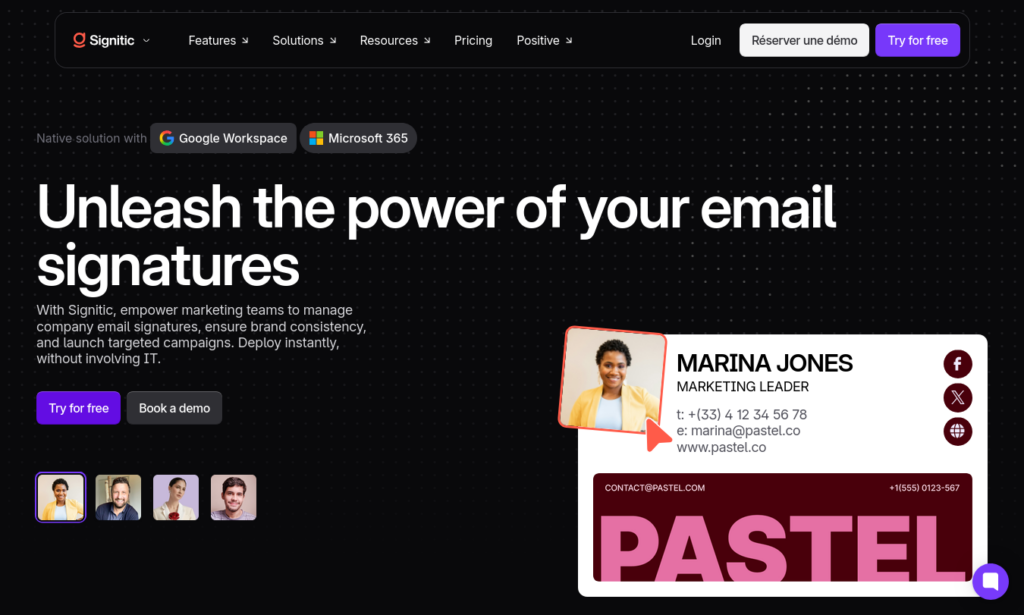
Signitic stands out for its strong integration between signatures and marketing.
In addition to visual standardization, it allows you to use promotional banners and track campaign metrics. Signitic can be an excellent alternative if your goal is email signature marketing.
Sales departments widely use it.
Strengths
- Marketing features
- Analytics
- Good integration
Limitations
Some advanced features have a learning curve.
4. CodeTwo
- Price: From $1.23 per user per month
- Website: https://www.codetwo.com/
- Capterra Rating: 4.9 / 5 (414 reviews)
- G2 Rating: 4.8 / 5 (1,781 reviews)
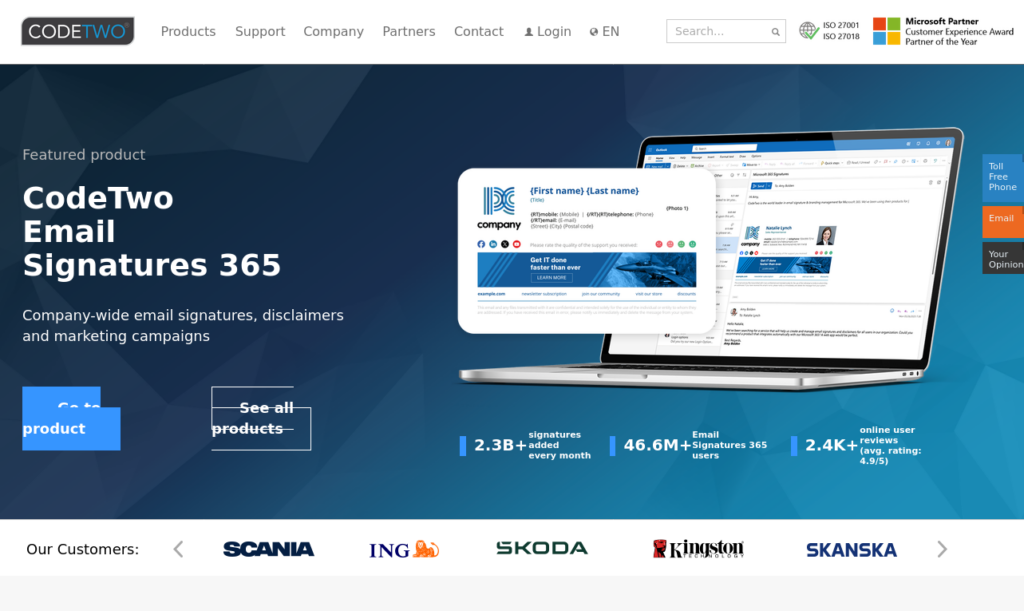
CodeTwo is a benchmark when it comes to Microsoft 365.
Its infrastructure is extremely robust and offers several additional corporate features.
On the other hand, companies fully focused on Google Workspace usually find more specialized solutions.
Strengths
- Excellent for Microsoft 365
- Corporate features
- Backup
- Migration
Limitations
Less focus on exclusively Google Workspace environments.
5. WiseStamp
- Price: From $1.50 per user per month
- Location: https://www.wisestamp.com/
- Capterra Rating: 4.3 / 5 (128 reviews)
- G2 Rating: 4.6 / 5 (579 reviews)
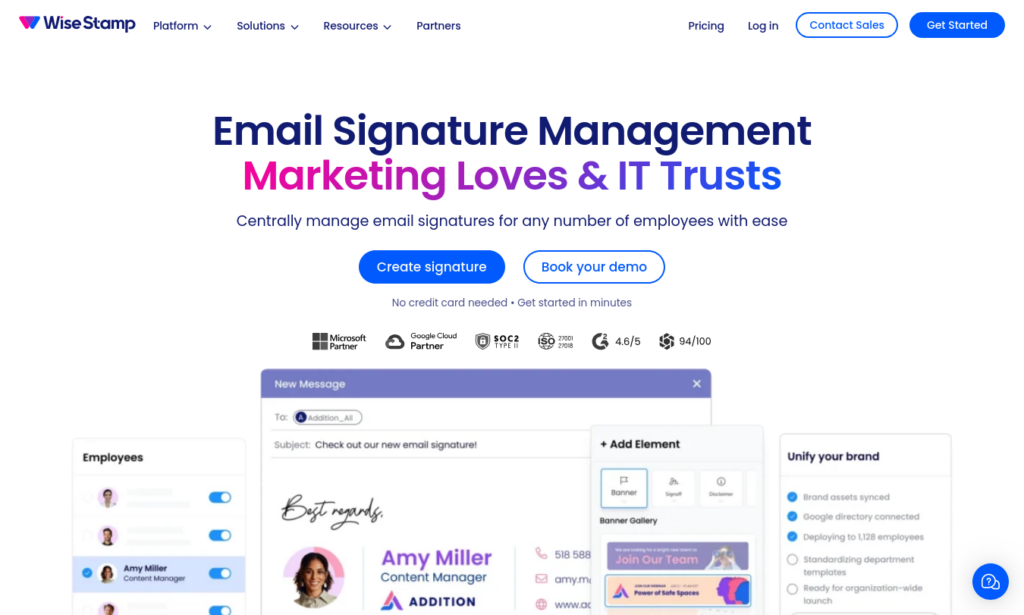
WiseStamp primarily serves small businesses and freelancers. However, it also offers integration with Google Workspace and Microsoft 365.
Its purpose is to offer quick creation of beautiful and professional signatures.
It is a very popular solution for small teams.
Strengths
- Easy to use
- Good templates
- Quick setup
Limitations
Has fewer large-scale administration features.
How to choose the best solution
Before hiring any software, we recommend answering the following questions:
- How many signatures will be managed?
- Are there multiple domains?
- Does the company use Google Workspace, Microsoft 365, or both?
- Is there a need for promotional campaigns in the signatures?
- Will management be handled by IT or Marketing?
Answering these questions significantly reduces the risk of choosing an unsuitable platform.
Frequently Asked Questions
What is the best SignatureSatori alternative?
It depends on the company’s needs. For organizations using Google Workspace looking for automation, centralized management, and an advanced editor, Bybrand offers a very complete set of features.
Would it be possible to migrate without losing current signatures?
In most cases, yes. The main platforms offer user import and the creation of new templates before final deployment. If your organization uses Google Workspace, the effects are minimal, as signatures are deployed directly into the user’s Gmail.
Is it worth using centralized signatures?
Yes. In addition to maintaining a consistent visual identity, they facilitate updates, reduce configuration errors, and allow corporate email to be transformed into a communication and marketing channel.
What is the best SignatureSatori alternative?
There is no single ideal tool for all companies.
SignatureSatori remains a viable option for organizations that exclusively use Google Workspace and have basic needs.
However, companies looking for greater automation, centralized management, support for multiple domains, marketing campaigns, and scalability often find more complete alternatives on the market.
Before hiring, we recommend testing the available platforms, comparing features, and evaluating how each solution adapts to your team’s operational workflow. This approach allows you to decide based on real needs and not just on lists of features.

Create your first email signature with Bybrand
Bybrand offers the ability to generate, administer, and distribute essential email signatures for your employees.