
This post is also available in:
Key takeaways
- Choosing the right tool for branded email signatures promotes effective communication and branding for companies.
- While Opensense provides valuable features, its cost and complex setup may push users to explore Opensense alternatives.
- Key factors for selecting an alternative include essential features, budget, and the target audience of your business.
- Bybrand, Xink, Exclaimer, CodeTwo, and WiseStamp are some top Opensense alternatives to consider for efficient email signature management.
- Migrating to a new tool requires careful planning, exporting existing signatures, and testing to ensure a smooth transition.
Choosing between Opensense alternatives can feel overwhelming when every platform promises cleaner branding, easier deployment, and better control.
The best options help your company create consistent, professional email signatures without adding unnecessary complexity.For growing teams, the right tool can turn everyday employee emails into reliable brand touchpoints.
That matters more than most companies realize.
It may sound cliché, but a branded email signature is more than a name, title, logo, and phone number. It is a small but powerful extension of your company identity, especially when sales, support, HR, and leadership teams send hundreds or thousands of emails each week.
When signatures look inconsistent, outdated, or incomplete, your brand can seem less organized than it is.
Why businesses look for Opensense alternatives
When you’re looking for Opensense alternatives for company email signature management, here are some important factors to keep in mind:
Features
Identify which functionalities are essential for your business. For example, being able to create and deploy bulk signatures can save time for larger teams.
Check for compatibility with email platforms like Google Workspace and Microsoft 365, and see if the tool supports less common providers like Zoho or ProtonMail.
Cost
Assess your budget and growth needs. Look for platforms that offer free trials or freemium options so you can test their different features.
Also, compare the platform’s paid tiers to ensure they fit both your budget and any future scaling plans.
Target audience
Choose a platform that fits the type and size of your business. Whether you’re a B2B, B2C, or a small business, make sure the tool can support your team effectively and meet your branding needs.
About Opensense
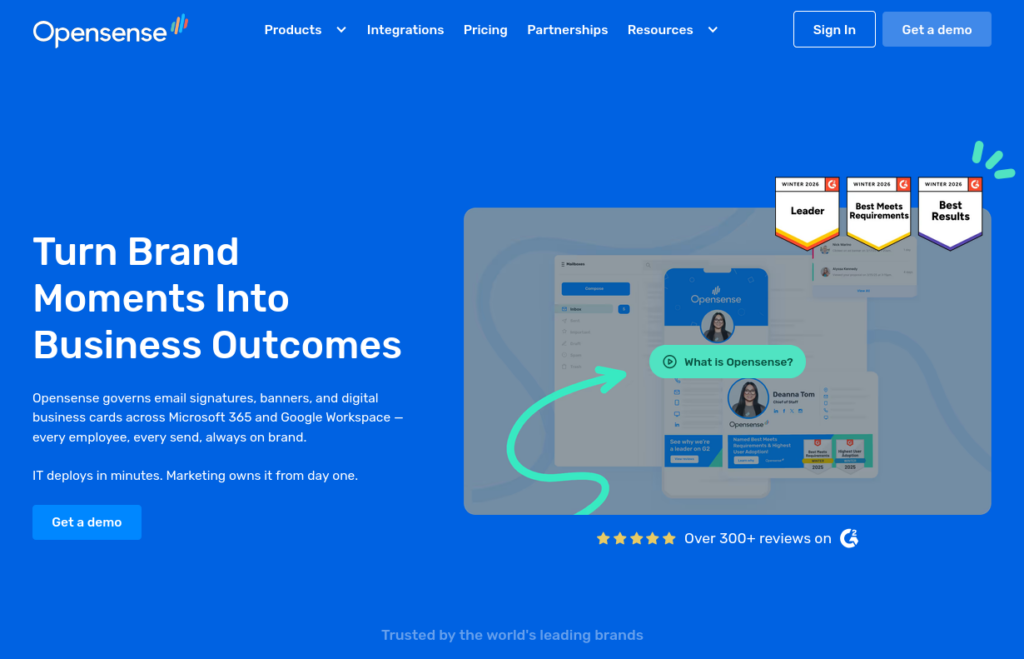
Opensense is a platform that helps businesses manage and optimize employee emails to support marketing, sales, and compliance goals. It allows companies to create consistent email signatures across all employees and devices, helping maintain a professional and unified brand image.
Opensense also helps businesses use email as a marketing tool by integrating with CRMs and launching targeted ad campaigns.
The platform includes advanced insights and analytics, providing data on how recipients interact with emails. Opensense integrates with popular systems like Microsoft 365 and Google Workspace, keeping email signatures and campaigns up-to-date and compliant.
Cons of Opensense
While Opensense is a powerful solution for branding email signatures, there are a few downsides to consider.
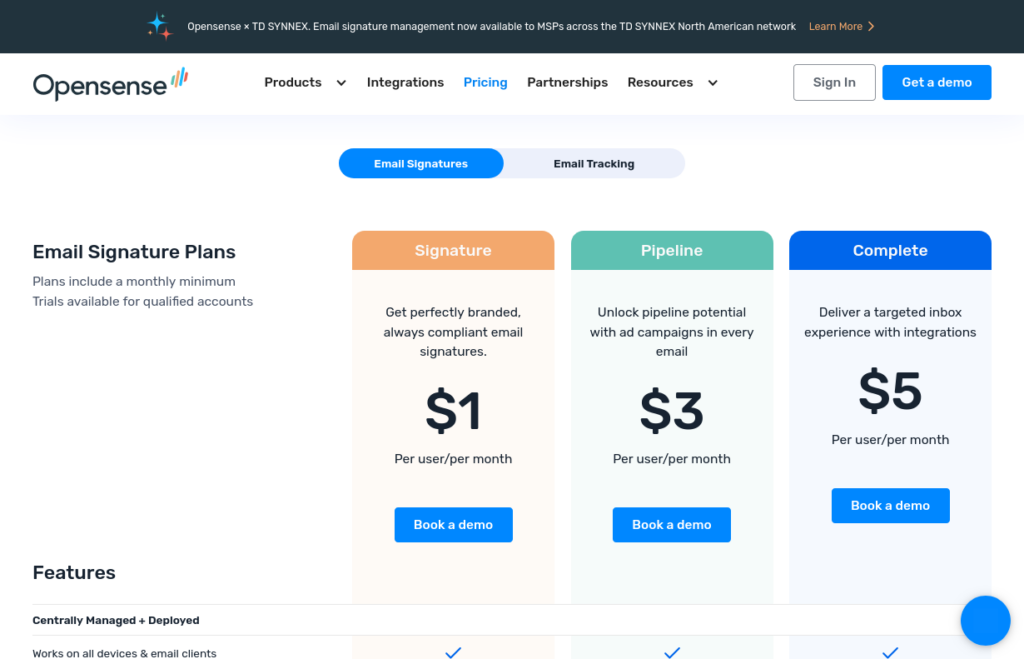
One big one is its cost. Opensense can be pricey, particularly for small businesses or organizations with simpler needs. Its pricing may feel high if all you need is basic email signature management, which could lead smaller teams to consider more affordable alternatives.
Another potential drawback is the complexity of the setup. Opensense’s initial setup can be challenging, especially if you lack technical experience. Some features require knowledge of HTML or coding, which can make implementation harder for non-technical users.
Although Opensense offers support, it can still be a time-consuming process to get everything up and running smoothly.
Opensense also uses plain-text previews during the setup, which can be confusing for users who want to see their designed signature before sending emails. Some users find this plain-text stamping unintuitive, needing extra steps or “buddy checks” to confirm the final look.
Creating templates requires you to coordinate the process with Opensense’s team, which, while quick, still introduces some extra delays.
- Site: https://www.opensense.com
- Capterra score: 4.9/5 (15 reviews)
- G2 score: 4.7/5 (380 reviews)
- Price: Starting at $1 per user per month
Best Opensense alternatives for business email signatures
To help you compare the best Opensense alternatives more easily, the table below highlights each tool’s pricing, review ratings, and ideal use case.
| Alternative | Price | Capterra Rating | G2 Rating | Best For |
|---|---|---|---|---|
| Bybrand | Base plan from $8 per month for 10 email signatures | 4.9/5 based on 111 reviews | 4.7/5 based on 15 reviews | Small and medium-sized businesses |
| Xink | Not specified | 3.9/5 based on 14 reviews | Not available | Microsoft 365 and email routing |
| Exclaimer | Starts at $0.90 per user per month | 4.5/5 based on 579 reviews | 4.5/5 based on 14,040 reviews | Large corporations |
| CodeTwo | $1.11 per user per month | 4.9/5 based on 421 reviews | 4.8/5 based on 1,785 reviews | Microsoft 365 companies |
| WiseStamp | Basic plan starts at $19 per month | 4.3/5 based on 128 reviews | 4.6/5 based on 579 reviews | Freelancers and small businesses |
| Letsignit | Email signatures and vCards plan from €2 per user per month | 4.8/5 based on 33 reviews | 4.5/5 based on 221 reviews | French and European companies |
Whether you use Microsoft 365 signature tools, Google Workspace email signatures, or something else, creating consistent email signatures requires the right tool.
Before investing in a platform, here are some of the best Opensense alternatives to consider.
1. Bybrand
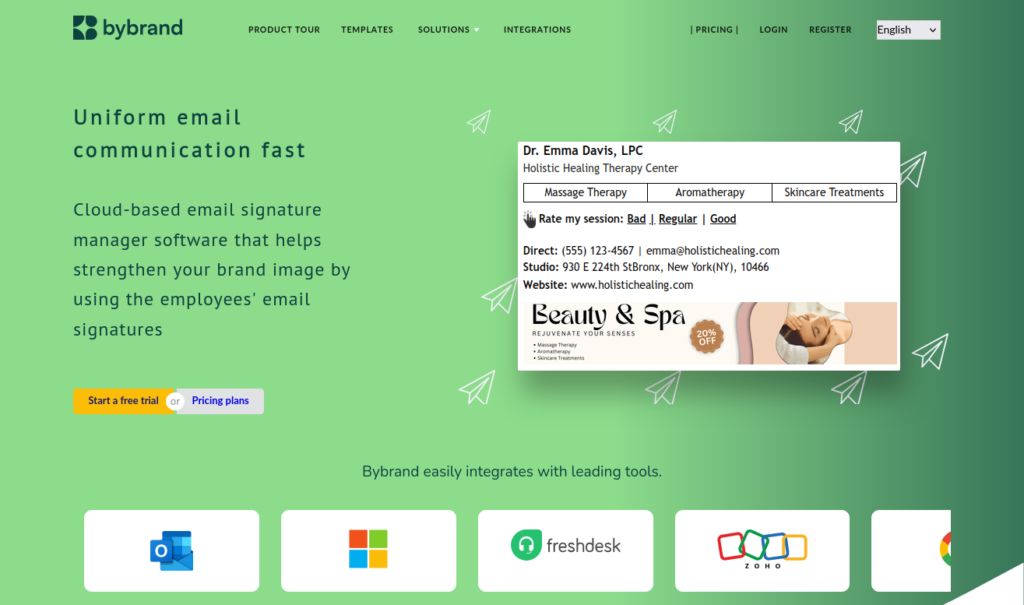
Bybrand is one of the strongest Opensense alternatives for companies that want a clean, flexible, and user-friendly email signature management system.
It works especially well for teams using Google Workspace or Microsoft 365, and it is designed to help businesses create professional signatures without requiring deep technical knowledge. That makes it attractive for companies that want speed, simplicity, and reliable branding.
You can also watch this video to visualize the steps for microsoft 365 below.
Instead of building every signature from scratch, teams can start with polished layouts and adapt them to match brand colors, logos, fonts, contact details, and promotional messaging.
This is useful for companies that need consistent signatures across multiple departments, locations, or job roles.
Bybrand also supports automation, which reduces repetitive manual updates as people join, leave, or change positions.
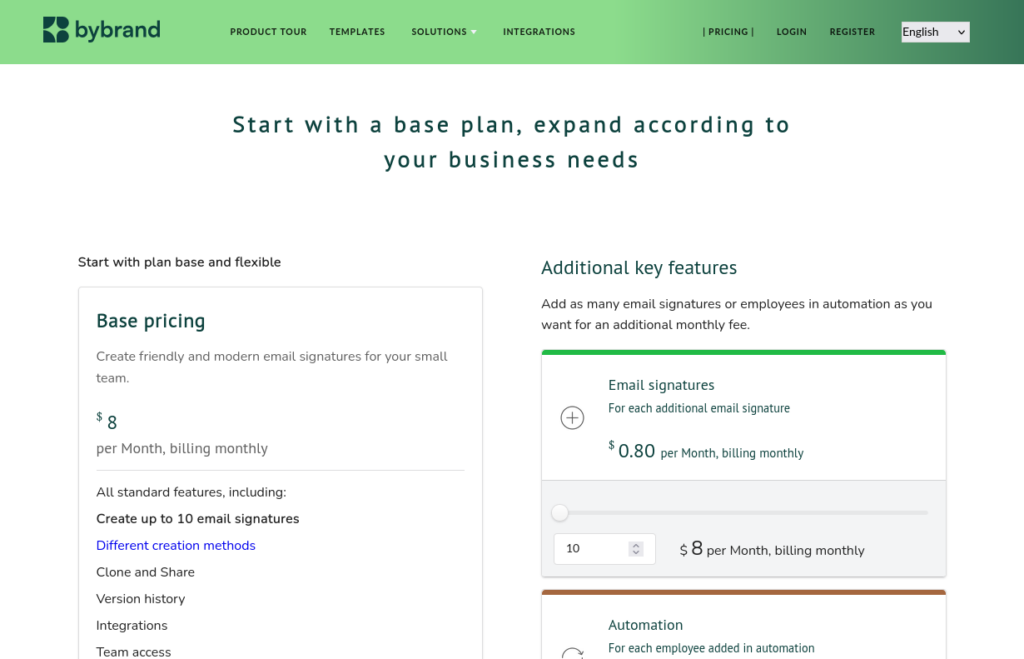
Plans start at $8/month, offering an affordable option for signature management basics.
With strong support, multilingual options, and a secure, customizable setup, Bybrand is a solid Opensense competitor for streamlining email branding.
- Price: From $8 per month
- Site: https://www.bybrand.io/
- Capterra rating: 4.9/5 (111 reviews)
- G2 rating: 4.7/5 (15 reviews)
- Plans: Free trial and usage-based plan with optional extra features
2. Xink
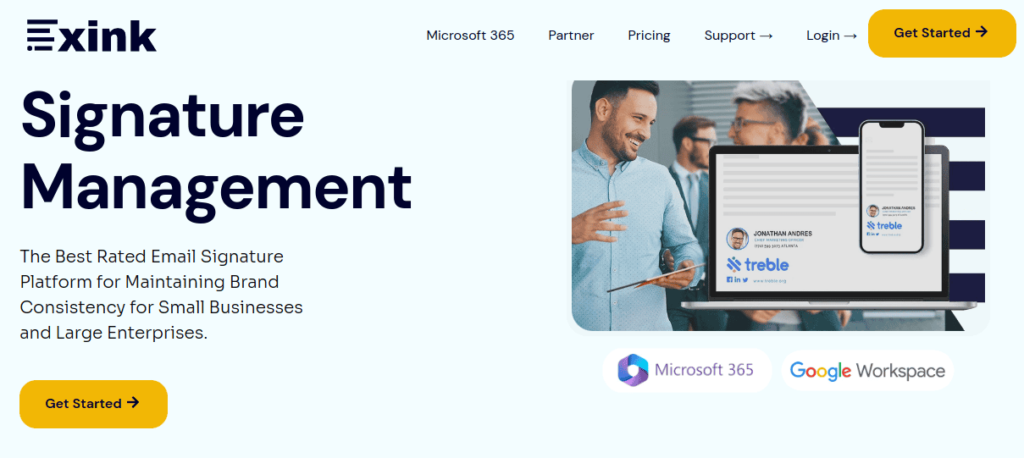
Xink is an email signature management tool designed for brand consistency and centralized control. It’s particularly useful for businesses using Microsoft 365 and Google Workspace.
The platform allows companies to maintain uniform signatures across all employee emails, making it easy to apply branding, legal disclaimers, and compliance information without end-user input.
- Site: https://www.xink.io/
- Capterra score: 3.9/5 (14 reviews)
- G2 score: No available
- Price: Starts at $11 per month for 10 users
3. Exclaimer
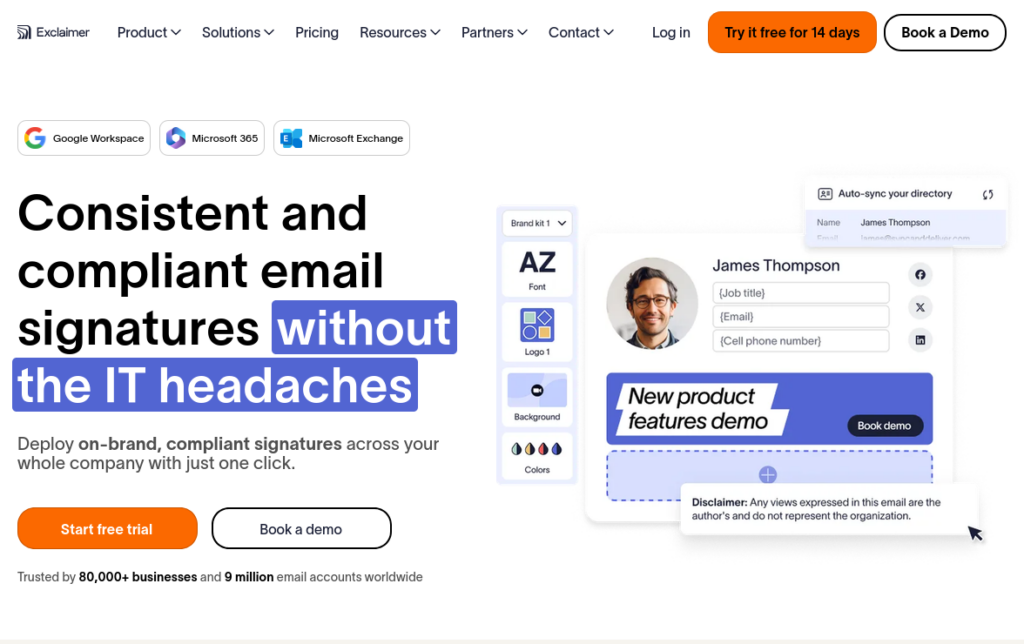
Exclaimer is a well-known email signature management platform designed for both Microsoft 365 and Google Workspace. The platform provides a range of tools to ensure consistent branding across all employee communications.
It offers centralized controls, letting IT and marketing teams manage and update signatures without user input. Exclaimer’s dashboard includes analytics, multiple templates, and Azure Active Directory integration for automated contact syncing.
- Site: https://exclaimer.com/
- Capterra score: 4.5/5 (579 reviews)
- G2 score: 4.5/5 (14.04 reviews)
- Price: Starts at $0.90 per user per month
4. CodeTwo (Email Signatures 365)
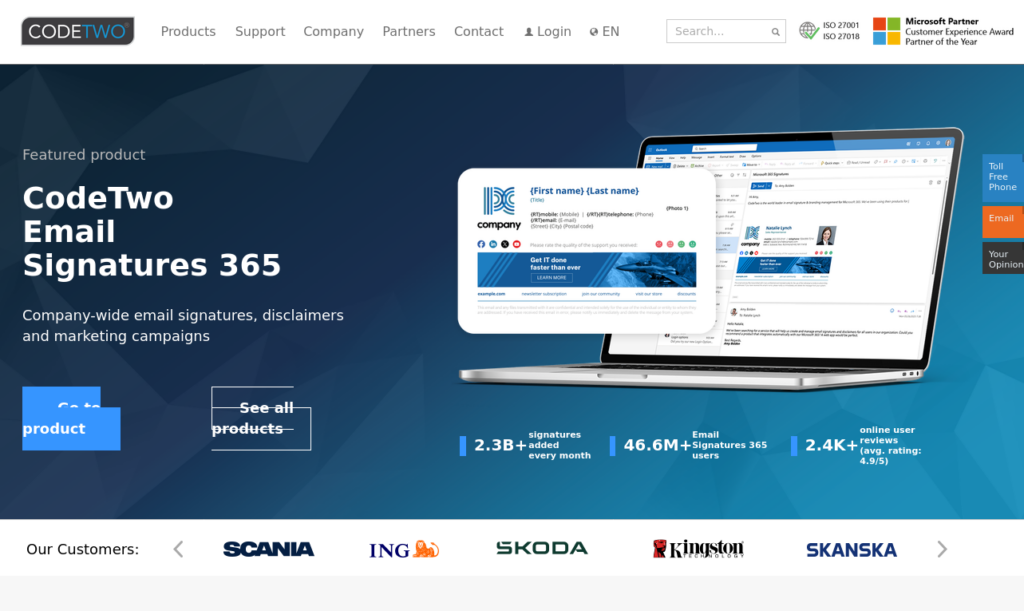
CodeTwo is a feature-rich email signature management tool with strong integration for Microsoft 365. It enables centralized control, letting administrators provide consistent branding across all emails.
Its setup process, while powerful, may also feel a bit complex for new users, and the interface requires some getting used to. CodeTwo’s pricing structure is also more suitable for larger organizations, and smaller businesses might find it costly.
- Site: https://www.codetwo.com/
- Capterra score: 4.9/5 (421 reviews)
- G2 score: 4.8/5 (1.785 reviews)
- Price: $1.11 per user per month
5. Letsignit

Letsignit is another Opensense alternative focused on managing branded email signatures at scale. It offers a drag-and-drop editor, centralized brand assets, signature assignment rules, campaign tracking, and deployment options designed to reduce manual work for employees.
What makes Letsignit interesting is its broader brand-management angle. Beyond email signatures, it focuses on consistent employee brand interactions, including signatures, brand charters, PowerPoint themes, and vCards.
This can be useful for organizations where marketing, brand, and communications teams want tighter control over how employees represent the company externally.
- Site: https://letsignit.com/
- Capterra score: 4.8/5 (33 reviews)
- G2 score: 4.5/5 (221 reviews)
- Price: Email signatures & vCards – 2 per user / per month
6. WiseStamp
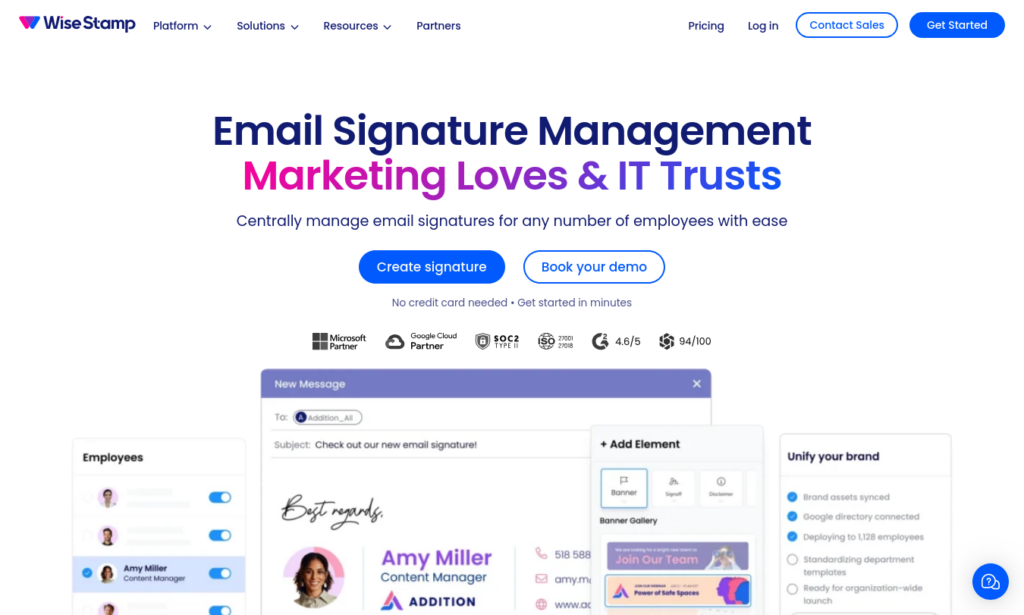
Finally, the WiseStamp is a popular email signature generator, especially useful for freelancers and small businesses. It offers a simple way to design and manage professional-looking signatures, with templates and integrations for platforms like Gmail and Outlook.
The platform doesn’t support full administrative controls or bulk updates, which could be limiting for IT departments handling multiple users. While it’s straightforward and visually flexible, organizations with complex needs might find it too basic for their workflows.
- Site: https://www.wisestamp.com/
- Capterra score: 4.3/5 (128 reviews)
- G2 score: 4.6/5 (579 reviews)
- Price: Starts with Basic plan at $19 / mo
How to compare Opensense alternatives side by side
When comparing Opensense alternatives, start by writing down the exact problems you want the tool to solve. Do you need bulk deployment? Do you need analytics? Do you need campaign banners, legal disclaimers, CRM syncing, or support for multiple domains? A clear checklist keeps you from being distracted by features that sound impressive but do not matter to your business
Tips for migrating your signatures to a new tool
Migrating email signatures to a new tool can be a tricky process. But, if you follow the right steps, you can cut out many headaches and technical difficulties.
Here are some email signature tips to keep in mind when switching platforms:
- Plan the transition: Review the features of your new tool. Identify any differences in signature format, fields, or design. This helps you prepare for adjustments before you migrate.
- Export your existing signatures: Save all your existing signatures in a standard format, like HTML. This ensures you can easily reuse content and images without starting from scratch.
- Test with a small group first: Pilot with a small group to catch formatting/compatibility issues and fine-tune settings.
- Standardize your signature layout: Create a template for consistent branding (contact info, logo, disclaimers).
- Back-up your signatures: Keep a backup of all your signatures in case you need to revert or reconfigure them. This saves time if something doesn’t go as planned.
Final verdict: which Opensense alternative should you choose?
The best Opensense alternatives depend on your company size, budget, email platform, and branding needs.
- Bybrand is a strong option for teams that want affordability, automation, and ease of use.
- Xink and Exclaimer are better suited for companies that need centralized control, compliance messaging, and structured brand governance.
- CodeTwo is a smart choice for Microsoft 365-heavy organizations.
- WiseStamp, on the other hand, is ideal for freelancers and small businesses that want attractive signatures without complex administration.
- If your company is located in France, Letsignit is ideal for standardizing branded email signatures.
Each platform has a different strength, so the right choice is not about finding the biggest tool. It is about finding the tool that matches your actual workflow.
A good email signature platform should make branding easier, not harder.
If Opensense feels too complex, too expensive, or simply more advanced than your team needs, these Opensense alternatives are worth exploring. With the right platform, your company can keep every email professional, consistent, and aligned with your brand from the first send to the final reply.

Create your first email signature with Bybrand
Bybrand offers the ability to generate, administer, and distribute essential email signatures for your employees.