
This post is also available in:
Managing email signatures within an organization can be complex, especially when businesses include logos, disclaimers, and personal contact details for each employee. Built for large-scale email signature management, CodeTwo Email Signatures 365 centralizes email signature management for enterprise organizations.
CodeTwo is a reliable tool, but it may not be the best solution for every business. Depending on your budget, tech stack, and compliance requirements, there may be a CodeTwo alternative that better suits your needs.
Some companies need a tool that integrates well with Google Workspace; others seek a simple solution that does not require changing DNS settings (MX and SPF records) or the SMTP address. By analyzing alternatives to CodeTwo Email Signatures 365, you can make a more informed decision when choosing an email signature management platform.
Table of contents
What is CodeTwo?
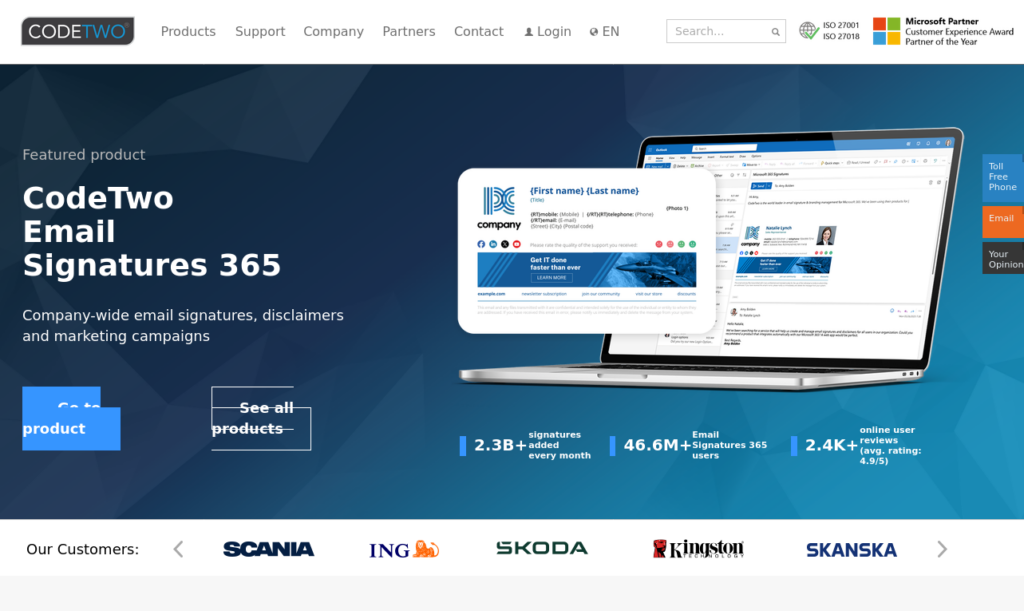
CodeTwo is an email signature management platform designed for businesses using Microsoft Office 365 and Microsoft Exchange. It allows leaders to create a centralized email signature template, removing the need for individual employees to manually design their own email signatures.
CodeTwo goes beyond standard email signatures, enabling legal disclaimers and marketing assets optimized for mobile, desktop, and tablet. Centralized management makes updates easy without adoption challenges.
Why look for a CodeTwo alternative?
There are many reasons that a business may want to assess alternatives to CodeTwo. Here are the top three reasons businesses opt for CodeTwo alternatives:
- Complexity: The platform is very complex, requiring a lot of back-end support for integration, setup, and management. Companies with limited IT resources may have more success with CodeTwo competitors that focus on simplicity and ease of use.
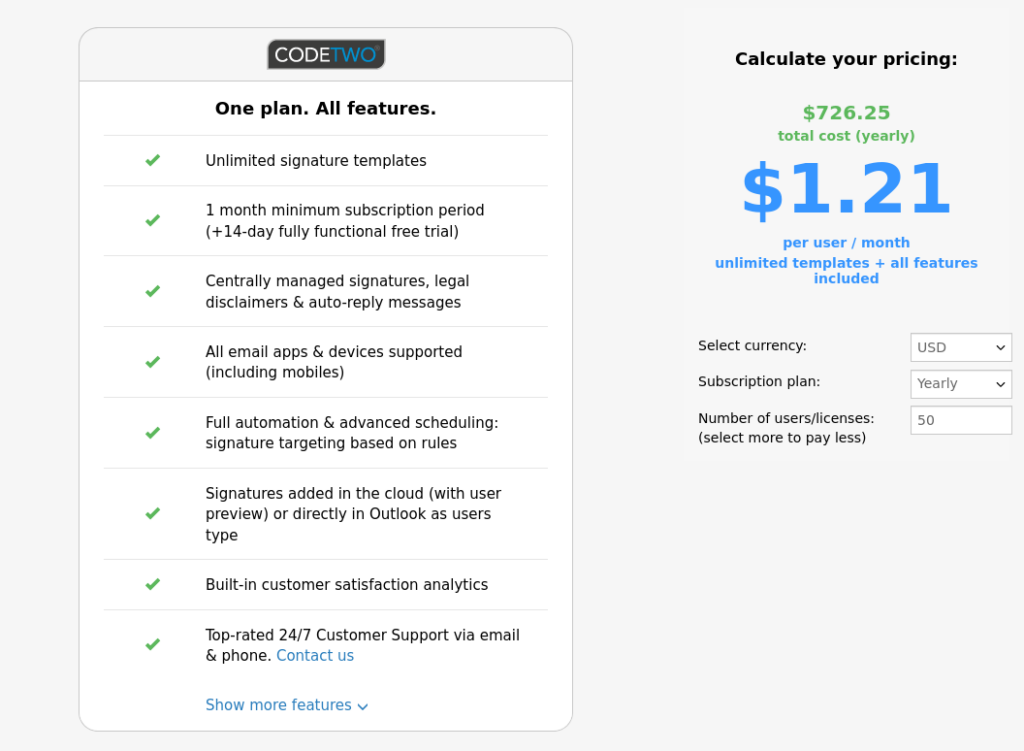
- Cost: CodeTwo is costly, with the monthly fee sitting at $1.21 per user for organizations with 50 users. The cost per user drops as more users are added, but for small businesses with under 100 employees, considering CodeTwo competitors may be more cost-effective.
- Security: CodeTwo requires all emails to flow through its business servers before being sent to recipients. This can create major legal, cybersecurity, and safety issues for businesses that manage confidential information. Law firms, banks, and medical providers should manage email signatures with one of the security-focused alternatives to CodeTwo.
These aren’t the only reasons to look for CodeTwo alternatives; unique support needs, marketing features, integrations, and deployment use cases may require different email signature management platforms.
What makes a good CodeTwo alternative?
Email signature management does not have a one-size-fits-all solution. When comparing CodeTwo alternatives for your business, you’ll need to be thorough and detailed about your needs. Here are a few questions to answer:
- Does the platform offer Microsoft 365 and Google Workspace compatibility?
- Is centralized signature management enabled?
- Can the directory sync with Microsoft Entra ID, Azure ID, and Google Directory?
- Are the signature templates easy to adjust with drag-and-drop editing features?
- Is it possible to add legal disclaimers and compliance controls to signatures?
- Are custom marketing banners and campaign tracking features available?
- Which platforms have Urchin Tracking Modules and analytics to assess signature-driven clicks?
- Does the website provide transparent pricing details?
- Can we highlight security credentials or industry accreditations?
Answering these questions for every email signature management platform is the first step in identifying the best CodeTwo alternative for your business.
Best CodeTwo alternatives compared
We’ve compiled a list of 11 CodeTwo competitors. We’ll comb through each platform’s key features, pros and cons, and use cases. With the right information in hand, you can make an informed decision.
Exclaimer
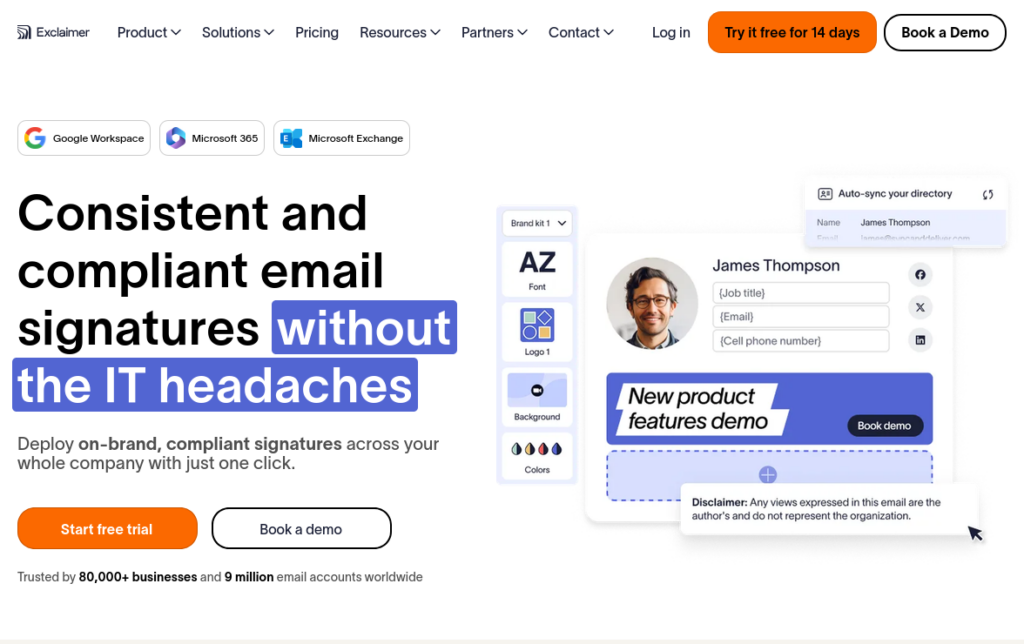
Exclaimer is one of CodeTwo’s top competitors. Like CodeTwo, it can support large enterprises with many users, providing centralized email signature management and automated Active Directory synchronization. When looking at CodeTwo vs. Exclaimer, Exclaimer stands apart for its ability to support Microsoft 365, Exchange, and Google Workspace integrations.
Users love:
- Ability to start and stop seasonal campaigns
- Active Directory integration supports automatic title and name updates
- Intuitive drag-and-drop editor
Users dislike:
- Complex initial setup
- Challenges with image formatting and quality
- Steep learning curve when getting started
Best for: Large, complex organizations that manage workflows across Microsoft and Google products.
Bybrand
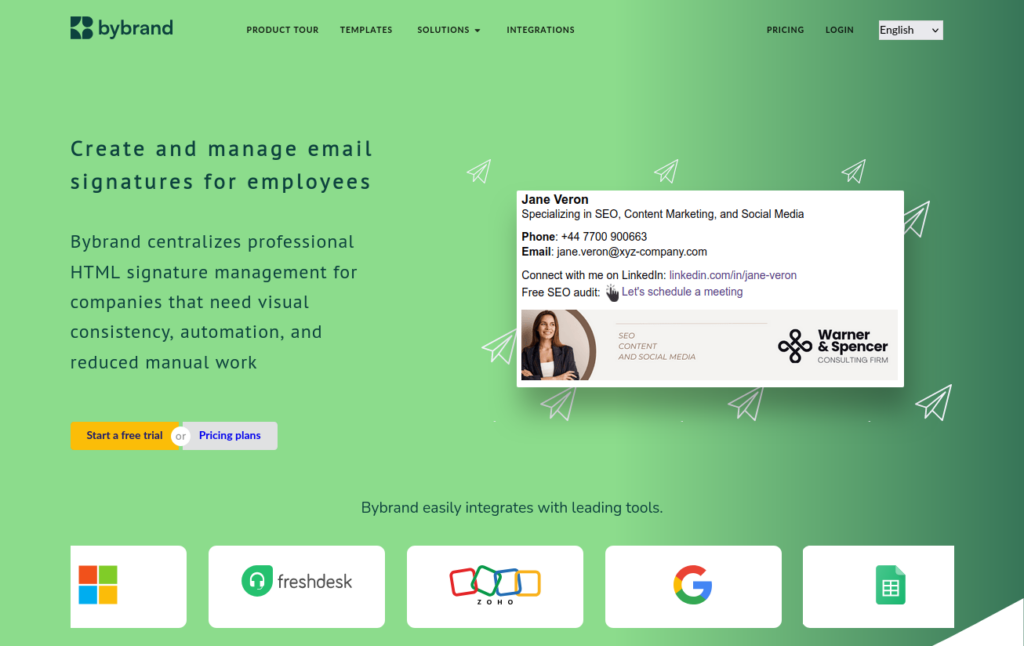
Bybrand supports complex organizational needs without demanding intricate technical support. Great for non-technical users, this email signature management tool emphasizes marketing campaign support and quality image integrations.
Whether your organization wants to use an existing template or create a custom signature design with HTML code, Bybrand makes the process seamless. This tool has existing integrations with Microsoft and Google products, as well as many other business tools like Zapier, Bitly, and Zoho CRM.
Users love:
- Ease of integrating social media profiles and promotional banners
- Additional integrations such as Zoho CRM and Freshdesk
- Dedicated customer support
- Support for signatures using own HTML
Users dislike:
- Customization limits in the signature editor
- Complex platform interface
- Delayed syncing timelines.
Best for: Small and mid-sized businesses that want to use email signatures for promotion and marketing purposes.
WiseStamp

This AI-powered email signature management platform creates custom email signatures for your business with a simple prompt and logo upload. Without the need for technical input, WiseStamp gives lean businesses the chance to customize without overspending. A key differentiator of CodeTwo vs. WiseStamp is the platform’s integration with AI. WiseStamp offers fully customizable AI-drafted templates to give users a professional starting point in the design process.
Users love:
- Simplicity of highlighting campaigns or acquisition updates within templates
- Wide range of platform integrations
- Quick setup process.
Users dislike:
- Complexity when editing templates
- Inconsistent banner image displays
- Interface isn’t always intuitive
Best for: Non-technical companies that don’t have complex enterprise requirements for their email signatures.
Letsignit

Letsignit connects branding across email signatures, virtual business cards, and company presentations. This platform extends beyond email signature management, helping align brand assets and governance rules across multiple applications.
Unlike other email signature tools, Letsignit embeds directly into apps like Outlook and PowerPoint, but doesn’t support Google Workspace. No separate installation is required—connect it to your team’s existing applications to maintain brand alignment.
Users love:
- Responsive support team
- Signature scheduling features
- Drag-and-drop design tools
Users dislike:
- Syncing delays between the dashboard and end-user email accounts
- Navigation difficulties due to the tool’s complexity
- Challenges managing shared mailboxes
Best for: Organizations that are looking for branding alignment across marketing materials and email signatures – and that only utilize Microsoft products.
Rocketseed

Even enterprise organizations with multiple entities and branding directives can find cohesiveness with Rocketseed. For teams of 50 to 50,000, this CodeTwo alternative connects directly into the mail applications your team already uses – Microsoft Office 365, Google Workspace, and Exchange included.
From one dashboard, companies can manage multiple brands, entities, and domains, making this a go-to option for complex business structures. Regulated industries and organizations with strict compliance considerations often choose Rocketseed because of its commitment to security.
Users love:
- Human support on-demand
- Comprehensive analytics dashboard
- Targeting multiple user groups with unique banners
Users dislike:
- Unable to embed video files into signatures
- Limited AI features
Best for: Complex organizations that require tight compliance controls across multiple domains and entities.
MySignature

MySignature was created with small businesses in mind; it targets small teams of SaaS professionals, real estate agents, marketing teams, and freelancers. Offering connections with Google Mail, Outlook, Apple Mail, and Yahoo, this solution focuses solely on email signatures rather than cross-platform branding.
By clicking “Enhance with AI,” users can improve signature designs instantly.
Users love:
Users dislike:
- Occasional preview delays when editing
- Slight learning curve during implementation
Best for: Small businesses and freelancers who need a simple email signature solution.
SignatureSatori
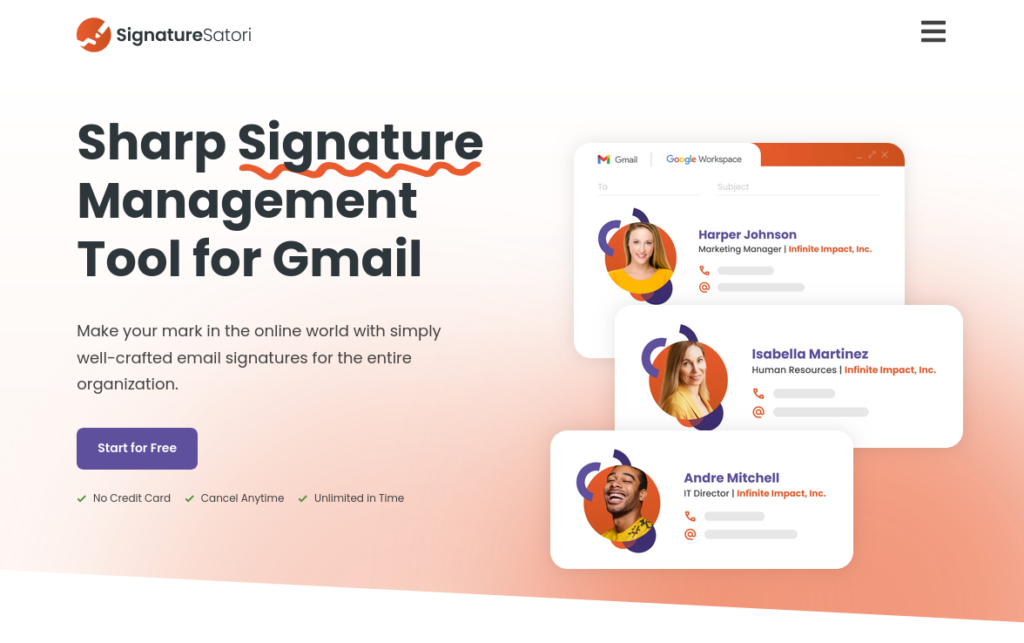
If your business operates on Google Workspace, SignatureSatori is a great CodeTwo alternative. It syncs directly with Google Directory and allows different teams within an organization to customize their email signature designs, while still creating a cohesive feel throughout the business.
As an added bonus, SignatureSatori setup takes just 5 minutes.
Users love:
- No separate application needed to get started
- Custom-built signatures and templates both supported
- Little ongoing support needed
Users dislike:
- Reporting is basic, lacking engagement metrics
- Clunky user interface
- Limited customization options
Best for: Mid-sized businesses that operate exclusively within Google Workspace.
Crossware
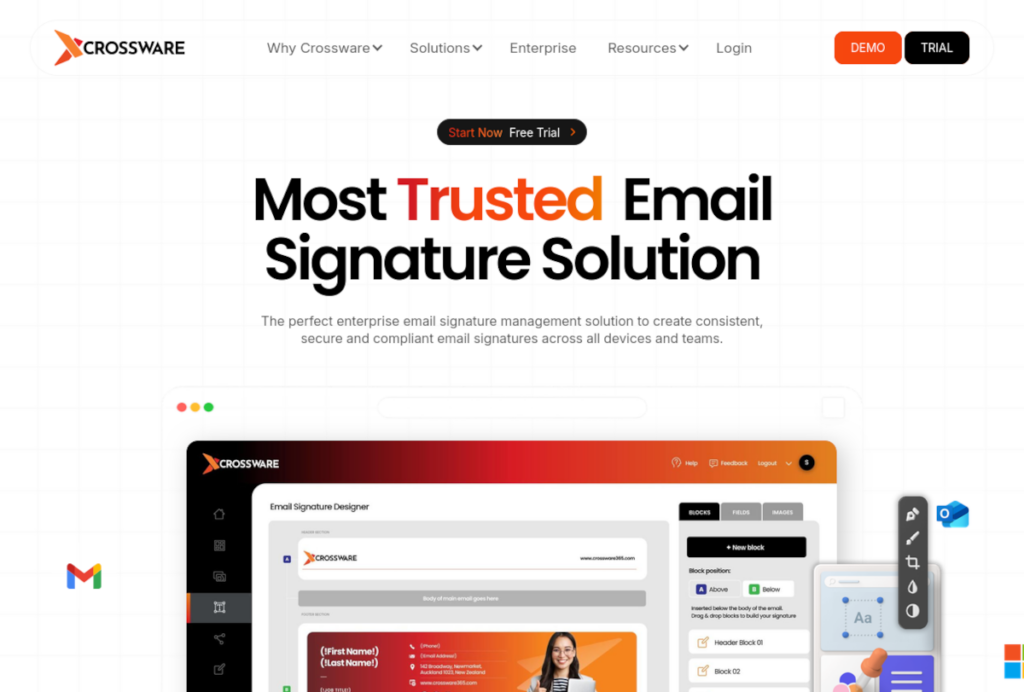
For global enterprises, Crossware offers email signature management across the US, Europe, South Africa, and Australia/New Zealand. From small offices to large enterprise organizations, Crossware users can manage branded email signatures across multiple accounts and devices. Legal compliance is paramount at Crossware; the platform enables legal disclaimers within signatures, adding multiple layers of protection to business operations.
Users love:
- Easy-to-deploy campaign rules
- Drag-and-drop editor and custom HTML editor
- Strong customer support team worldwide
Users dislike:
- Lack of training tutorials for users
- No storage logs of which signatures are active on specific accounts
Best for: Marketing, Sales, IT, and legal teams
Signitic
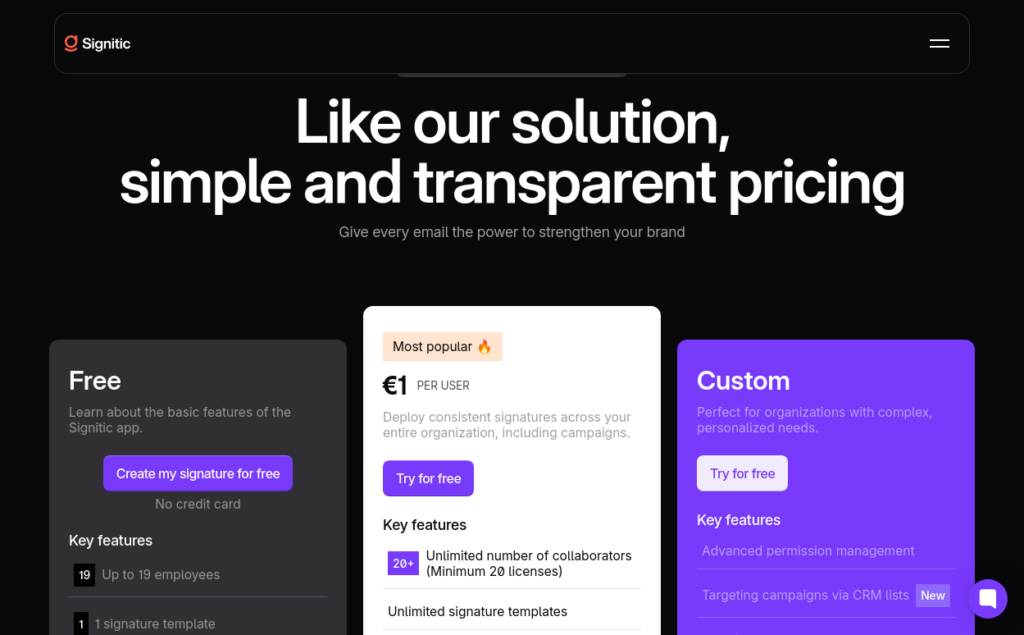
Signitic prides itself on taking IT out of the equation when it comes to email signature management. The solution was created to offer a simple signature management tool to businesses that use Google Workspace or Microsoft Exchange. Teams can import custom banners from Canva, target custom signatures to specific recipients, and even create digital business cards.
Users love:
- Helpful, efficient customer support
- Custom signatures for different functional teams
- One-click integration and setup
Users dislike:
Best for: Mid-sized marketing, IT, and trade businesses with limited IT support.
Symprex Signature
Many alternatives to CodeTwo offer both Microsoft 365 and Google Workspace integration, but Signature 365 by Symprex is similar to CodeTwo in that it works natively with Microsoft 365. It makes managing branding, legal disclaimers, and email signatures intuitive, and has won awards to prove it. In the summer of 2025, G2 awarded Symprex with Momentum Leader, High Performer, Best Usability, Best Results, and Most Implementable awards.
Users love:
- Automatic updates from Active Directory
- Competitive pricing
Users dislike:
- Occasional issues with logos missing from email signatures
- Does not support external images
Best for: Microsoft 365 businesses that want to keep costs low while enhancing email signature management.
BulkSignature
BulkSignature is one of the alternatives to CodeTwo that offers flexibility for a wide array of email signature specifications. After setup, users can use HTML or the drag-and-drop editor to deploy new signatures from the Signature Dashboard.
Onboarding and offboarding are automatic as team members join or leave the organization, and click-through rates within individual employee signatures are monitored closely.
Users love:
- Easy to use
- Detailed training from the support team
Users dislike:
- Cannot specify campaign placement within signature
- Some HTML knowledge necessary
Best for: IT, marketing, and HR teams within large organizations.
CodeTwo alternatives comparison table
After reviewing the pros, cons, and use cases for each tool, use the table below to compare CodeTwo alternatives at a glance. It highlights support for Microsoft 365 and Google Workspace, pricing per user, and the company size best suited to each platform.
| Platform | Microsoft 365 | Google Workspace | Price | Ideal Business Size |
|---|---|---|---|---|
| CodeTwo | Yes | No | $1.34 per user | Mid-sized to enterprise |
| Exclaimer | Yes | Yes | $1.45 per user | Mid-sized to enterprise |
| Bybrand | Yes | Yes | $0.80 per user | Small to mid-sized |
| WiseStamp | Yes | Yes | $1.00 per user | Small businesses |
| Letsignit | Yes | No | $3.20 per user | Mid-sized to enterprise |
| Rocketseed | Yes | Yes | $1.47 per user | Enterprise |
| MySignature | Yes | Yes | $1.50 per user | Freelancers and small businesses |
| Signature Satori | No | Yes | $1.02 per user | Mid-sized businesses |
| Crossware | Yes | Yes | Custom quote | Mid-sized to Enterprise |
| Signitic | Yes | Yes | €1 per user | Small to mid-sized |
| Symprex Signature 365 | Yes | No | $1.04 per user | Mid-sized businesses |
| BulkSignature | Yes | Yes | $0.90 per user | Small to mid-sized |
How to choose the right email signature software
When selecting an email signature software for your organization, you’ll need to determine whether or not the target platform supports your tech stack. Since some CodeTwo alternatives work with both Microsoft 365 and Google Workspace, while others only support one of those two, this is a major decision-point for businesses.
From there, consider what your teams need from the tool.
- Are basic signatures sufficient?
- Or do you need to embed legal disclaimers, campaign banners, and other customizations?
If you want to promote events, share content, or track engagement, you’ll need to find the best CodeTwo alternative that offers robust functionality.
Finally, decide what makes sense from a price perspective and consider each tool’s security capabilities. If you’re based in the US, you may not need to select a GDPR-compliant tool, whereas EU-based organizations must prioritize that layer of compliance.
If you’re still not sure how to make the final decision, try a free trial of 2-3 different tools and figure out in real-time which one best meets your organization’s needs.
Final verdict
CodeTwo is a strong email signature management tool for businesses that operate within the Microsoft 365 ecosystem, but it’s not the best solution for every organization.
Businesses that need Microsoft 365 and Google Workspace integrations are better off with tools like Exclaimer or Bybrand. Smaller organizations without a large IT support team may prefer the simplicity of MySignature or WiseStamp.
The best CodeTwo alternative is subjective; only you can decide which solution best fits your team’s needs. By utilizing guides like this one and testing out a few free trials, you can move forward with confidence – and a refined approach to email signature management.

Manage email signatures with more control
Bybrand helps companies generate, administer, and distribute email signatures for employees in one place.