
This post is also available in:
An email signature for a travel agency is much more than just “name + phone number” at the end of the message. When well-designed, it reinforces the brand, conveys credibility, and can even generate new opportunities—all without changing your workflow.
Whether you work as an agent or manage a travel operation, it’s worth treating your signature as part of your customer service: consistent, clear, and ready to be reused.
In this guide, you’ll discover opportunities, ready-made templates, and how to organize signatures at scale with the help of tools.
Opportunities with email signatures for travel agencies
The email signature for travel agencies has three main functions: identify, standardize, and promote. And the combination of these three is what makes the signature work for you in every conversation.
It helps the customer quickly understand who is speaking, how to respond, and how to get in touch through other channels. In travel, where trust and agility matter a lot, this reduces friction.
Plus, when the signature is consistent across the entire team, your brand appears larger and more structured—even if you have a small team.
1) Essential information (without excess)
The basics must always be included: name, job title, agency, phone number, and relevant contact methods. This “core” information prevents confusion and saves time, especially when the customer is comparing options.
A lean signature also reduces the risk of visual clutter (especially in long threads). The goal is to make things easier, not to compete with the email’s content.
Think about what really helps the client take the next step: calling, replying, messaging on WhatsApp, or visiting a link.
2) Branding and recognition in every email
Every time someone receives an email, there’s a brief moment of evaluation: “Does this agency seem trustworthy?” Therefore, consistent typography and layout reinforce professionalism.
Including the logo, colors, and a standardized structure creates visual recognition. Over time, the client identifies the brand even before reading the entire email.
If your agency serves businesses (B2B), this point is even more important: a well-designed signature signals organization.
3) Subtle marketing (that doesn’t look like advertising)
Here’s the trick: promotion works best when it’s subtle. Instead of including “10 banners,” opt for one clear call-to-action with a useful link—for example, a catalog, a guide, or a quote landing page.
You can also include social media links if they make sense for the type of audience you serve. If Instagram is your portfolio, it deserves to be there.
And if you have a seasonal campaign (vacations, holidays, cruises), a discreet banner can help spark a conversation.
Email signature templates for travel agencies (with examples)
Below are email signature templates for travel agencies designed for different service styles. Adjust the text and links according to your positioning (luxury, corporate, leisure, exchange programs, etc.).
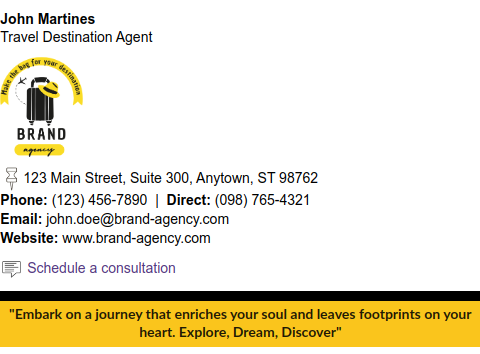
Example 1: Basic email signature (clean and to the point)
This template is ideal for those who want to get started quickly and keep everything professional—without any extra elements.
It works very well for high-volume customer service, with many replies per day, because it doesn’t get visually “tiring.”
It’s also great for teams that use different email clients and need something easy to replicate.
- Read also: Email signature standardization guide.

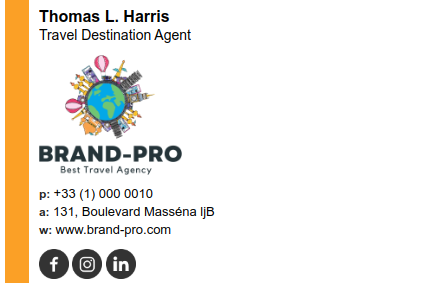
Example 2: Signature with agent photo (more human and approachable)
Adding a photo can build trust—especially when the customer is still getting to know you and is about to make a higher-value purchase.
The photo should be clear, well-lit, and professional-looking. Avoid “cropped” or overly large images.
If your agency focuses on relationship-building and repeat business, this detail helps build a connection.

Example 3: Signature with links (website, social media, and banner)
This template is for those who want to use the signature as a traffic channel—without going overboard.
The key is to choose links that help the customer: quotes, catalog, popular destinations, reviews, or a “contact us” option.
The banner should be responsive and lightweight so it doesn’t break on mobile devices.
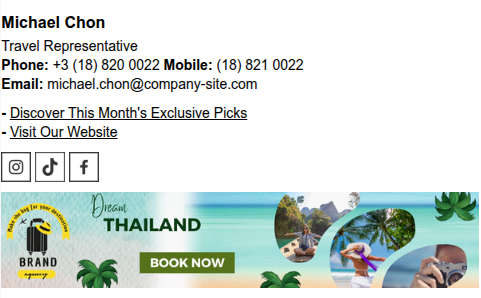
A second similar example with a logo and banner image.
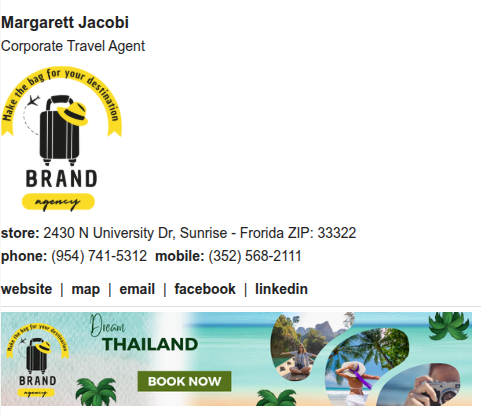
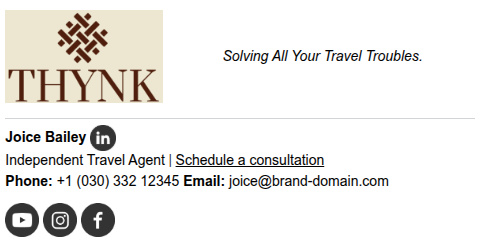
Example 4: Signature with a quote (slogan or short phrase)
A quote works when it reinforces your positioning: adventure, luxury, safety, practicality, business travel, etc.
Ideally, it should be a short phrase, without “generic self-help” clichés. Think of it as a slogan—memorable and aligned with the brand.
Use sparingly to keep the text flowing smoothly.
How to manage email signatures at the agency (without it turning into chaos)
When the agency grows, the problem isn’t creating a signature: it’s keeping everything consistent. Each person changes a detail, the logo gets outdated, the phone number changes, and no one remembers to update it.
The solution is to have a simple process: a standard template + centralized management. This way, any updates (campaigns, website, phone number, new links) can be applied with less effort.
This saves time and prevents the brand from looking “disorganized” due to small details.
Editor and standardization
A good editor helps you build newsletters with text, images, and links without having to “paste HTML” all the time. For most teams, this already takes care of 80% of the work.
When necessary, support for custom HTML allows for fine-tuning—from spacing to layout variations for different job titles.
The bottom line: a single well-designed template is worth more than 10 different “almost good” signatures.
Deployment across multiple accounts
If you need to set up signatures across multiple inboxes (and keep everyone on the same page), centralized deployment becomes essential.
This is especially useful when your agency uses corporate email addresses by domain and wants all communications to maintain the same level of quality.
And when something changes, you update it once, and that’s it—no need to ask the team to “copy and paste again.”
Integrations (Google Workspace, Microsoft 365, and others)
Integrations make it easy to get the signature to the right place—without relying on each person to “set it up their own way.”
- With Bybrand’s integration for Google Workspace, you standardize signatures in Gmail for the entire team (with centralized deployment and quick updates when something changes).
- And if your operation runs on Microsoft 365, the integration with Microsoft Entra ID helps you connect and manage your user base and signature distribution with control and consistency in Outlook.
Additionally, integrating with helpdesks and customer service systems ensures that the signature appears not only in one-on-one communications but also in support and after-sales responses—where many people forget to standardize.
Conclusion
A well-structured email signature for a travel agency reinforces your brand in every message, improves the perception of professionalism, and can even generate traffic and leads—without any extra effort in your day-to-day operations.
Choose a template that fits your service style, keep essential information clear at all times, and consider consistency to be part of your marketing strategy.
And if you manage a team, prioritize a way to create, standardize, and update signatures at scale to avoid rework.

Create your first email signature with Bybrand
Bybrand offers the ability to generate, administer, and distribute essential email signatures for your employees.