This post is also available in:
Bybrand’s signature editor received a series of important improvements throughout 2025. Each update had the same objective: help you work with more agility, reduce manual steps, and customize HTML signatures with precision. All without depending on external solutions.
If you create or manage email signatures for teams, these new features make the workflow more efficient and increase the editor’s reliability, especially in operations that require visual standardization and governance.
Below, see what changed and how each update affects your work.
The Quick changes button was moved inside the editor, creating a more integrated experience. Instead of switching between tabs or menus, you find everything in the same place where you edit the signature.
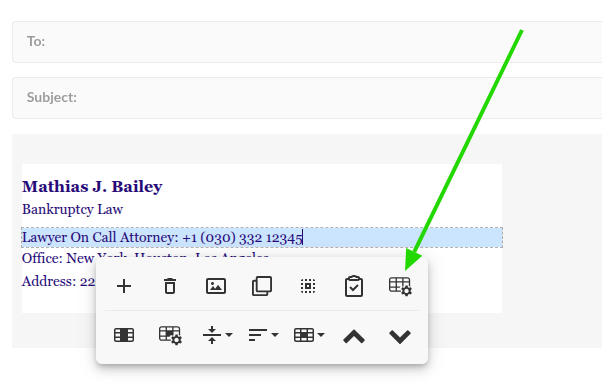
This reduces clicks, eliminates interruptions in the creation flow, and keeps essential functions always visible.
Icon and image gallery with dark mode
The gallery now allows enabling dark mode, offering consistent visualization with signatures that operate in this style. This feature helps you quickly evaluate if the icon works on dark backgrounds, avoiding manual tests or repetitive image insertion and deletion.
As a result, the selection process becomes more assertive and aligned with the signature’s final design.
Change column position
With the new Move column function, it became easier to reorganize complex structures. The feature allows dragging the column up, down, or to another side, eliminating the need to rebuild signatures. Something many clients had to do in the past.
This improvement is especially useful in responsive signatures with photos, logos, and CTAs.
Updated icon gallery
The gallery received a major update, creating a more complete, standardized library suitable for various visual styles.
New categories:
- Gray
- Gray Circle
These groups balance professionalism and neutrality, ideal for companies that prioritize brand consistency.
Typing “{{” in HTML mode
When typing {{ in HTML mode, the editor automatically displays all placeholders from the group.
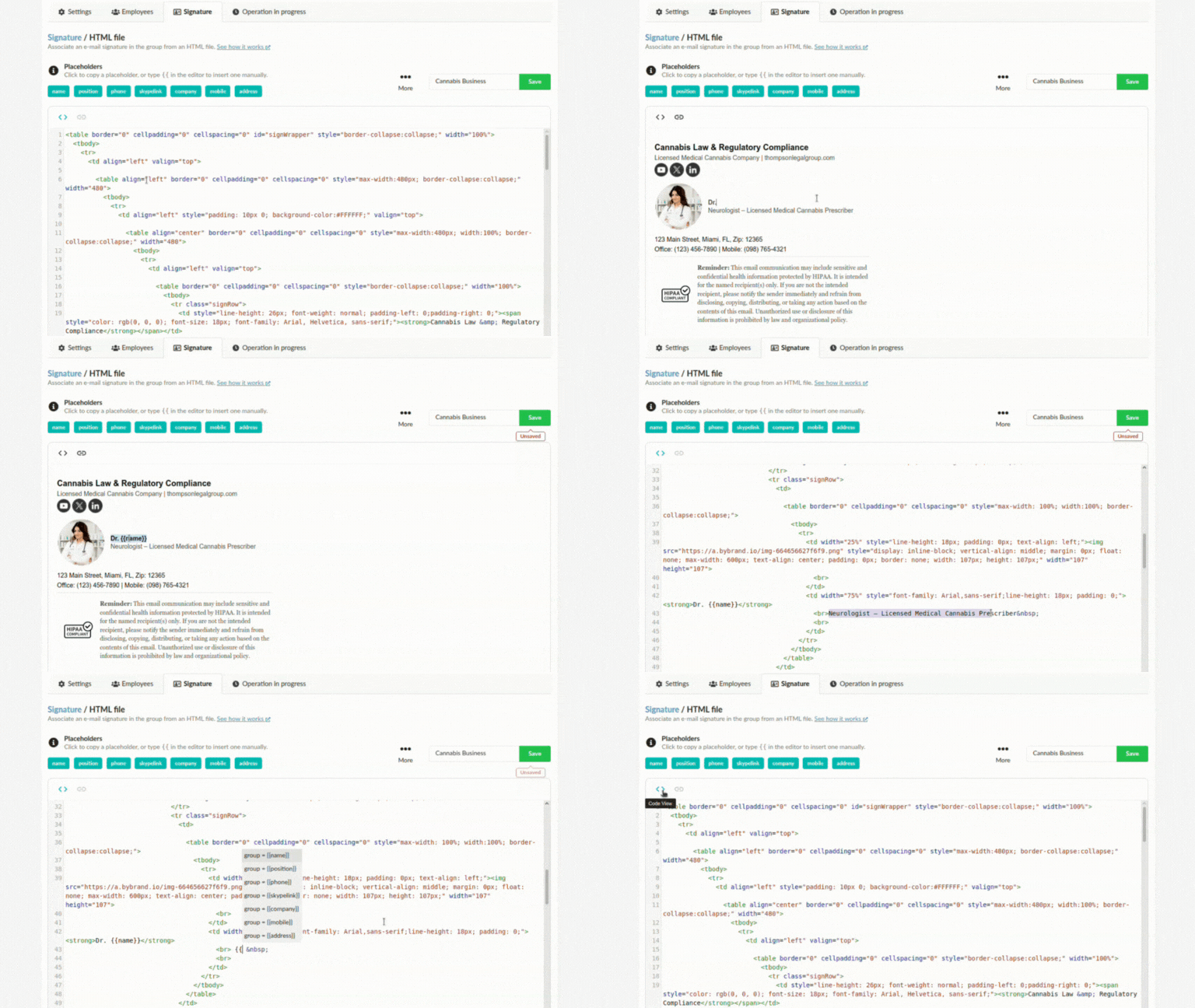
This accelerates variable inclusion—especially when you use integrations like Google Workspace or Zoho CRM to generate signatures automatically.
The feature eliminates typing errors and helps teams create dynamic templates with more confidence.
Delete a column with one click
The delete action became simpler: just click on the column element and select the trash icon.
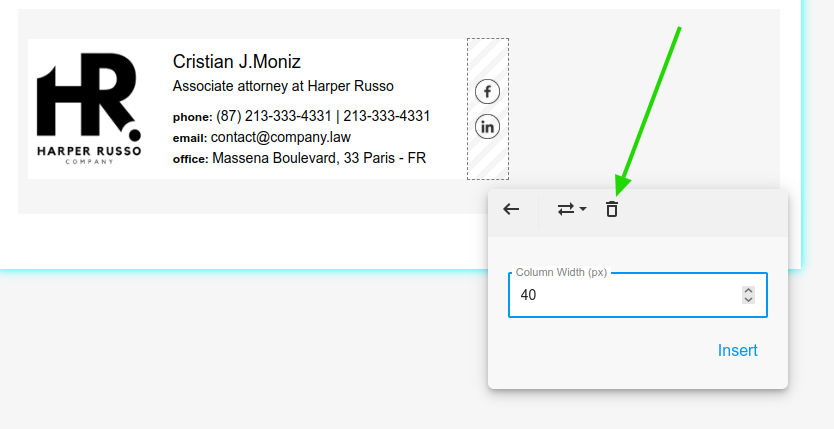
This solves a frequent client request, who had been asking for quite some time for a more direct and faster way to remove columns without having to recreate the signature.
Paste special (new feature)
The new Paste special allows moving elements while preserving all their attributes—such as styles, links, and alignment. This is useful for replicating parts of the signature without having to manually adjust each detail.
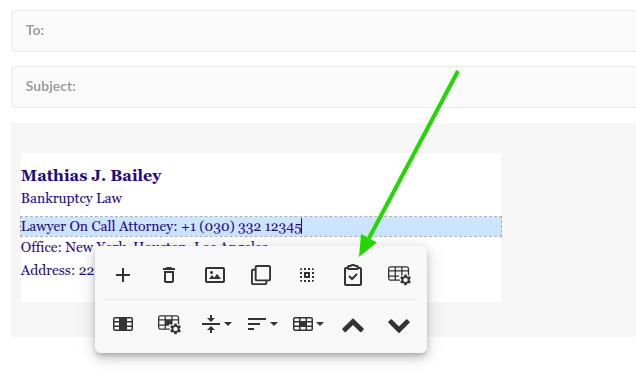
Those who work with signature variations for different groups immediately notice the time savings.
Move and delete multiple rows
The editor now allows selecting multiple rows at the same time to:
- move
- delete
This update removes several previous limitations and gives more control over signatures with lots of content, especially when involving banners, disclaimers, and different vertical sections.
Preview and Test in the same modal
Preview and test sending now appear in the same scope. The new modal reduces clicks and avoids returning to the main screen every time you want to test a change.
This also reduces the risk of errors when switching between environments—useful for those who maintain internal approval workflows.
Tag classification in image gallery
The image gallery now organizes items by tags, making it easier to quickly find:
- logos
- banners
- profile photos
- custom icons
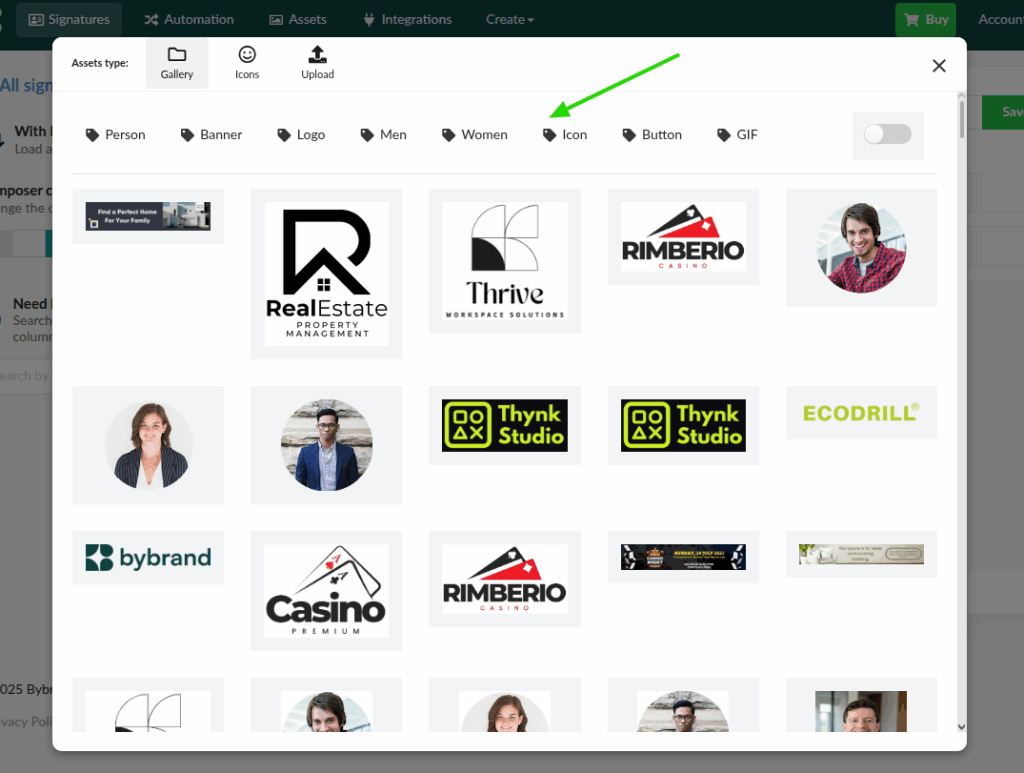
This change benefits teams that store many images in the editor and need to maintain governance over this content.
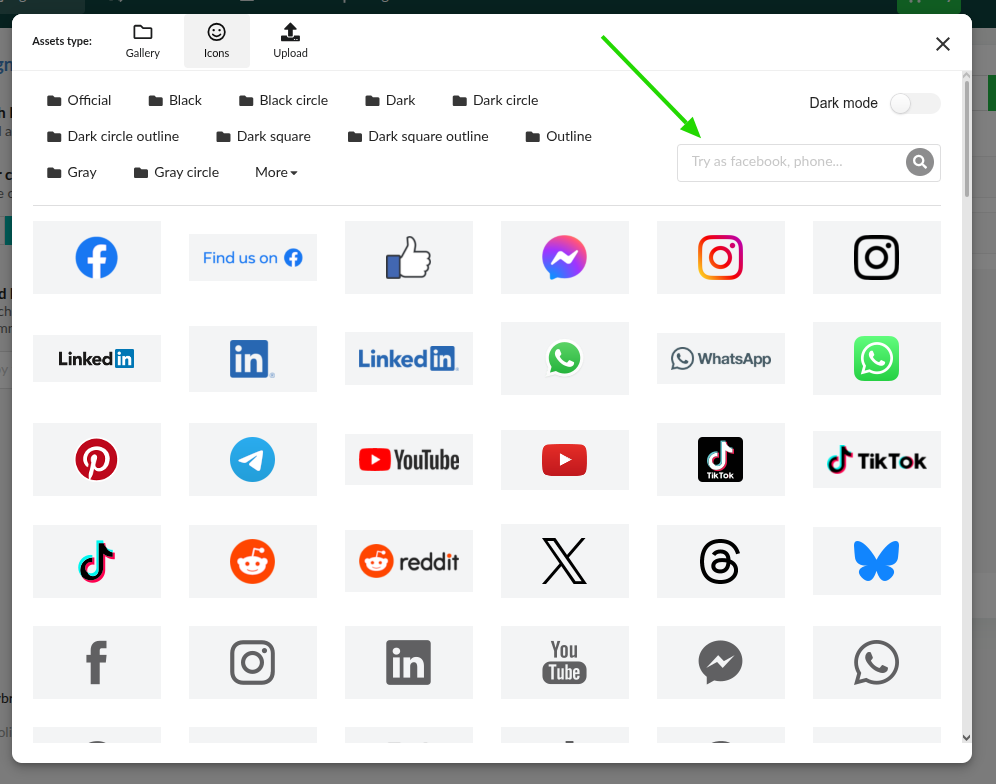
Search box in icon gallery
With the new search bar, you can locate any icon by typing just a keyword. The feature accelerates the creation process and reduces time spent navigating through categories.
Conclusion
The improvements launched in 2025 reinforce Bybrand’s commitment to a faster, more intuitive, and powerful editor. Thus, it is aligned with the needs of modern teams that depend on brand governance and visual consistency.
If you haven’t tried the editor yet, discover all the functions here. And keep following the updates. The objective remains the same: offer the best professional platform for creating and managing email signatures.

Create your first email signature with Bybrand
Bybrand offers the ability to generate, administer, and distribute essential email signatures for your employees.