
This post is also available in:
Modifying multiple elements at once is a practical way to speed up work in the Bybrand editor. In this tutorial, you’ll see how to use this feature to edit email signatures more quickly.
Major changes
By clicking the Main Settings button, you can quickly apply changes across the entire scope of the subscription.
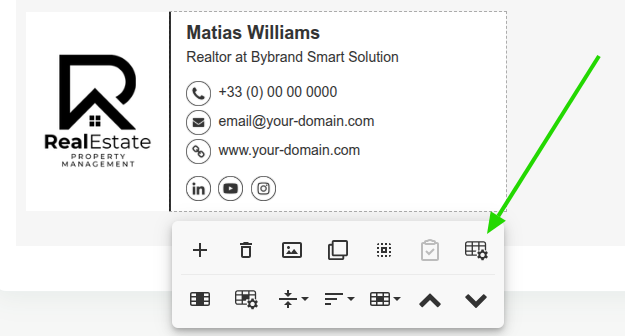
Change the Font family, Font size, Text color, and Link color in your email signature. Additionally, change the width of the main column using three predefined options.
Video example:
Internal scope
You can introduce changes to various content cells of the email signature. To complete this, simply select the items you want to change and click on the action.
This feature works for:
- Spacing;
- Border
- Alignment
- Background color;
View in the quick video below how this can be done.
All done. If you still have questions, write us a comment or contact our support team.