

This post is also available in:
Key takeaways
- WiseStamp is popular for quick, professional email signature setups, but larger teams may require stronger centralized management.
- The article compares the best WiseStamp alternatives, focusing on features like ease of setup, scalability, and brand consistency controls.
- For small businesses, Bybrand offers a practical solution for managing employee signatures from one dashboard, while freelancers can use tools like MySignature.
- Larger organizations that need advanced governance should consider CodeTwo and Exclaimer for centralizing email signature management.
- Choosing the right WiseStamp alternative depends on team size, budget, and required email platform support.
WiseStamp is often the first choice for users who need a quick, professional email signature setup. It supports Gmail, Outlook, Microsoft 365, Google Workspace, and other email clients, and it can work well when manual setup is still manageable.
At first, email signatures seem like a design problem. But once they become a company-wide brand asset, the real challenge is control: how signatures are deployed, updated, measured, and kept consistent across every team.
Many WiseStamp alternatives focus on that operational layer, offering dedicated email signature management software built for consistency at scale.
This guide walks through the best WiseStamp competitors on the market today, what each does well, and which users they suit best.
What to look for in a WiseStamp alternative
Features matter, but context matters more. Evaluate email signature management software based on the role it will play in your business, using the criteria below:
- Ease of setup: The tool should be simple to roll out and easy to maintain. If every change requires IT support or step-by-step employee instructions, the process will not scale well.
- Scalable pricing: Do not judge the tool only by its starting price. Check how costs change when you add users, departments, banners, analytics, or advanced management features.
- Gmail and Outlook support: Basic compatibility is not enough. If your company uses Microsoft 365 or Google Workspace, look at how signatures are deployed, updated, and synced with employee data.
- Centralized team management: This is the core feature for businesses. You should be able to update employee details, links, banners, disclaimers, and brand elements from one dashboard.
- Brand consistency controls: Approved templates, fixed logos, colors, fonts, and locked fields help prevent outdated or off-brand signatures from spreading across the company.
- Banner campaigns and analytics: If signatures support marketing, choose a tool that lets you update banners centrally and track clicks without having to manually edit every signature.
- Legal disclaimers and compliance: For larger teams or regulated industries, disclaimers should be applied consistently across employee emails rather than left to individual users.
Comparison table
| Tool | Best for | Microsoft 365 support | Google Workspace support | Team management | Analytics |
|---|---|---|---|---|---|
| Bybrand | Small and mid-size businesses | Yes | Yes | Yes | Basic |
| CodeTwo | Enterprise teams (Microsoft 365) | Yes | Yes | Yes | Yes |
| SignatureSatori | Gmail-only Google Workspace teams | No | Yes | Yes | Basic |
| MySignature | Freelancers and small teams | Limited | Limited | Manual | Limited |
| Exclaimer | Large enterprises | Yes | Yes | Yes | Yes |
| Xink | Centralized teams across Microsoft 365 and Google Workspace | Yes | Yes | Yes | Basic |
| Signitic | Small and mid-size companies | Yes | Yes | Yes | Basic |
| Crossware | Server-side, IT-managed environments | Yes | Limited | Yes | Basic |
| Email Signature Rescue | Freelancers and small teams | Limited | Limited | Manual | No |
| BulkSignature | Google Workspace bulk signature updates | No | Yes | Yes | Basic |
| Letsignit | Centralized management with marketing focus | Yes | Yes | Yes | Yes |
| Rocketseed | Mid-size and enterprise teams | Yes | Yes | Yes | Yes |
| HubSpot Signature Generator | Free, single signatures | No | No | No | No |
Best WiseStamp alternatives
Not every signature management software solves the same problem.
Some tools help one person create a clean email signature. Others help companies control hundreds or thousands of signatures across departments, email platforms, campaigns, and compliance rules.
Below is a practical comparison of the main WiseStamp competitors, focusing on where each tool fits best.
1. Bybrand
Best for: Businesses that want centralized email signature management without enterprise complexity.

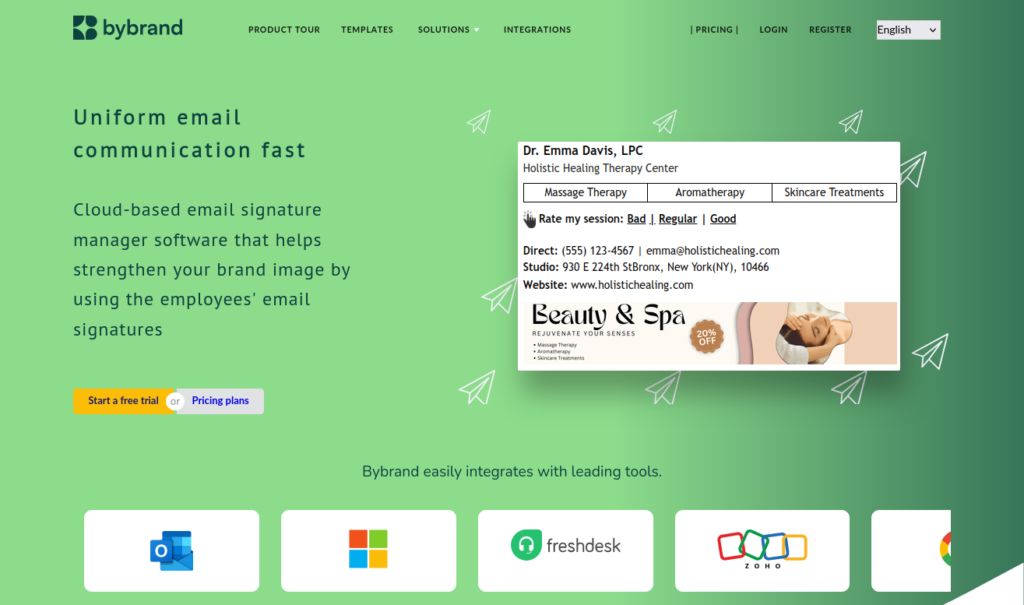
Bybrand is one of the strongest WiseStamp alternatives for small and growing businesses using Google Workspace or Microsoft 365. It helps teams create, organize, and update professional email signatures from one place, instead of leaving each employee to manage their own signature manually.
Where Bybrand becomes most useful is in day-to-day control. As employees join, roles change, or marketing updates banners and links, signatures can be managed centrally and kept consistent across the business.
Its Google Workspace and Microsoft Entra ID integrations also make it a practical option for smoother deployment without a heavy IT setup.
That makes Bybrand a strong middle ground between a simple email signature generator and a large enterprise platform. It offers enough structure to properly manage brand consistency, employee details, department signatures, campaign banners, and templates, while keeping the process manageable for smaller teams.
- Works well for: Google Workspace email signatures, Microsoft 365 email signatures, centralized team management, brand consistency, department-based templates, and growing teams that want practical control.
- May not fit: Solo users who only need one personal signature. For freelancers, a free email signature generator may be enough.
2. CodeTwo
Best for: Microsoft 365 organizations that want IT-led signature deployment.

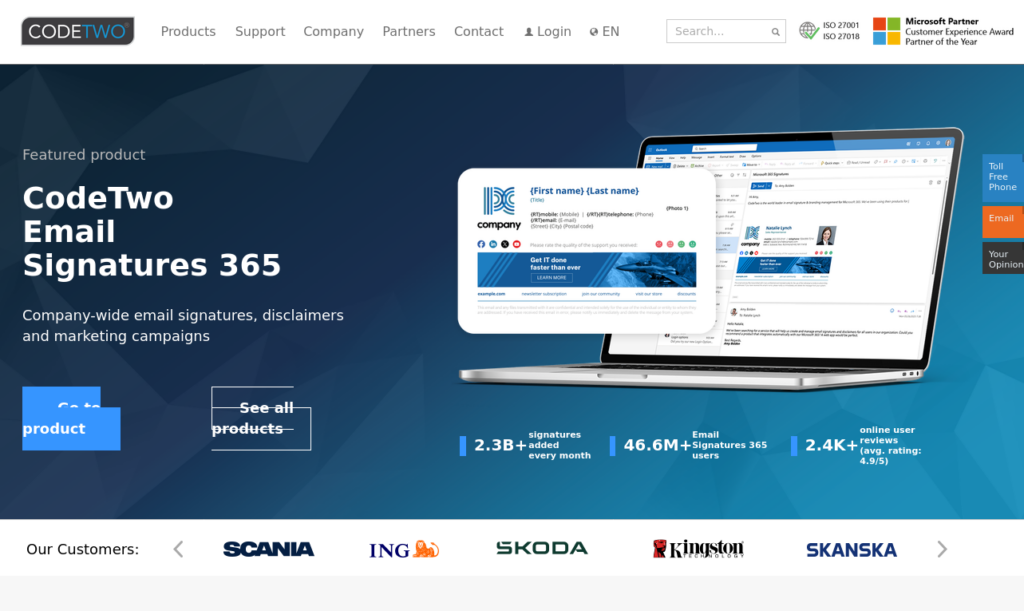
CodeTwo is a strong option for businesses looking for a WiseStamp alternative for Microsoft 365. It uses server-side deployment for centralized signature management, letting IT teams control signatures, disclaimers, and rules consistently across users and devices.
Because it works at the organizational level instead of relying on Outlook settings, it is especially useful for larger teams.
The trade-off is setup: server-side deployment may require email infrastructure changes, including SPF and MX records, so IT should review routing, processing, and infrastructure impact before choosing this method.
- Works well for: Microsoft 365 email signature management, Outlook signatures, server-side deployment, legal disclaimers, IT control, and larger Microsoft-based teams.
- May not fit: Smaller businesses that want a lighter, more business-friendly setup. CodeTwo is powerful, but it may be more technical than necessary.
3. SignatureSatori
Best for: Google Workspace teams that only need Gmail signature management.

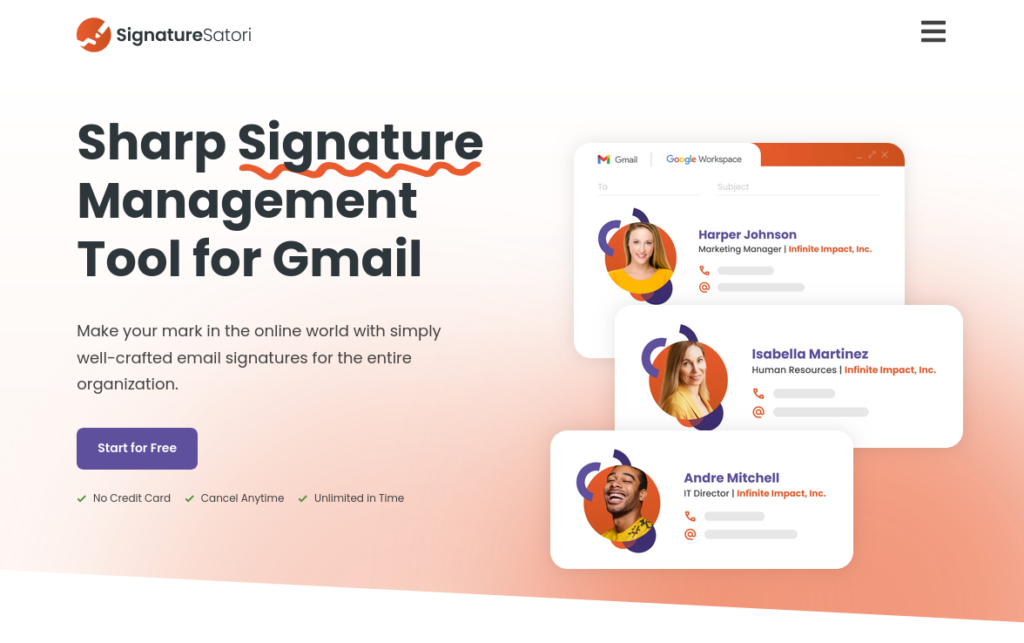
SignatureSatori is a focused tool for managing Gmail signatures in Google Workspace. It is not trying to cover every email environment, which can be useful if your company only needs centralized Gmail signature control.
Its strength is simplicity through focus. For Google-only teams, it can be easier to evaluate than broader platforms with more moving parts.
- Works well for: Gmail signatures, Google Workspace email signature management, centralized Gmail updates, and Google-only teams.
- May not fit: Companies using Microsoft 365, Outlook, or mixed email environments.
4. MySignature
Best for: Freelancers, consultants, founders, and very small teams.


MySignature is closer to an email signature generator than full email signature management software. It helps users create polished signatures for Gmail, Outlook, Apple Mail, and other email clients.
It is a viable option when the goal is personal presentation rather than company-wide control. There is no centralized control, automated deployment, team management, permissions, analytics, or way to update signatures across multiple employees.
- Works well for: Freelance email signatures, personal branding, simple professional signatures, and small teams.
- May not fit: Businesses that need centralized deployment, template control, campaign banners, analytics, or company-wide updates.
5. Exclaimer
Best for: Mid-market and enterprise organizations that need advanced signature governance.


Exclaimer is one of the more established WiseStamp alternatives for Microsoft 365, Google Workspace, or Exchange. It is built for organizations where signatures are part of IT administration, brand governance, legal disclaimers, compliance, and marketing campaigns.
It offers deep control, but that depth comes with a more enterprise-oriented setup. For larger companies, this can be useful. For smaller teams, it may be more than they need.
- Works well for: Enterprise email signature management, Microsoft 365, Google Workspace, Exchange, compliance, disclaimers, governance, and larger teams.
- May not fit: Smaller companies that want strong control without a heavy platform. Bybrand may be a more practical option in that middle ground.
6. Xink
Best for: Teams that want centralized signature management across Microsoft 365, Outlook, and Google Workspace.

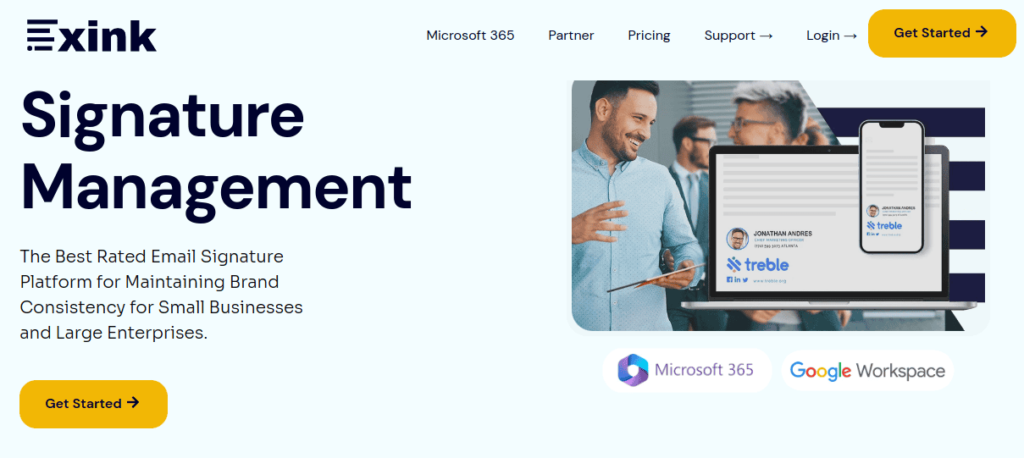
Xink supports team-wide updates, campaign banners, employee data, and centralized control. It can work well when both marketing and IT need a say in how signatures look and how they are deployed. It is more structured than a basic generator, so it suits teams that want a managed system rather than manual signature updates.
The main caveat is setup, especially for Google Workspace. Some teams may find the installation process more technical than expected, so it is worth reviewing the deployment requirements before choosing Xink as a WiseStamp alternative.
- Works well for: Centralized updates, campaign banners, Microsoft 365, Google Workspace, employee data, and marketing/IT collaboration.
- May not fit: Teams that want the simplest possible setup. Google Workspace users should review the deployment process carefully.
7. Signitic
Best for: Small and mid-size companies that want brand consistency and campaign features.

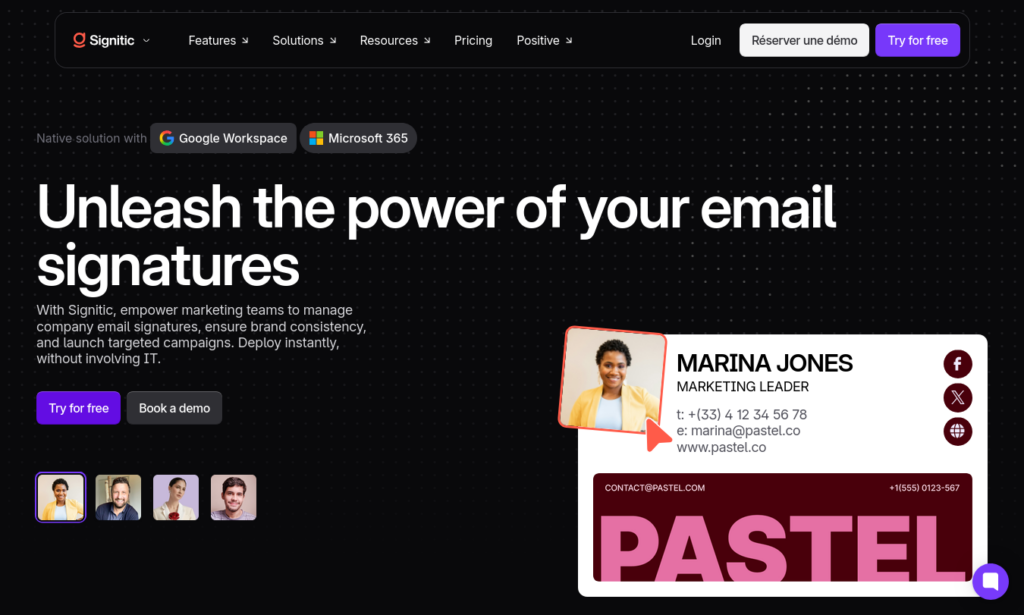
Signitic is a straightforward email signature management platform for companies that want more control than a generator, but not necessarily a complex enterprise tool.
It works well when signatures are used as a communication channel. Teams can manage brand consistency while also using banners and campaigns to promote content, events, or offers.
- Works well for: Brand consistency, centralized signatures, campaign banners, marketing communication, and small to mid-size teams.
- May not fit: Organizations with complex IT environments or advanced compliance requirements.
8. Crossware
Best for: Organizations that want server-side email signature deployment.

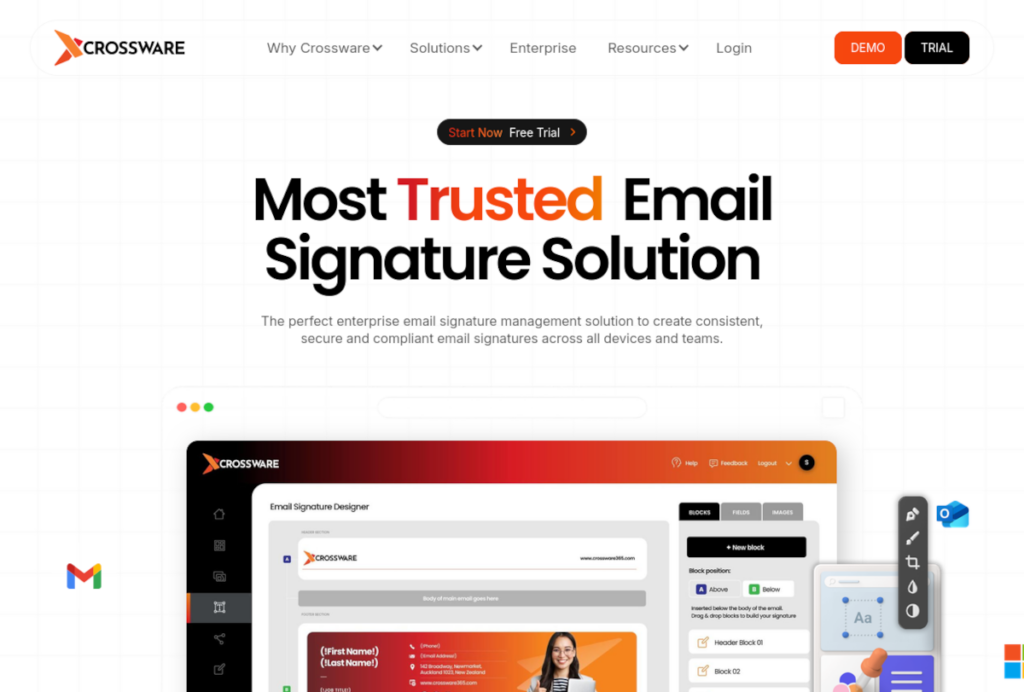
Crossware uses server-side management to append email signatures to messages after they are sent, ensuring consistency across all devices.
However, this requires a complex infrastructure setup, including DNS record updates (like SPF and MX) to route mail through external servers. While highly beneficial for larger teams, IT must thoroughly evaluate the routing changes and impact on their existing environment before deploying.
- Works well for: Server-side email signature management, company-wide deployment, consistent signatures across devices, and IT-managed environments.
- May not fit: Teams that want a lighter setup or do not want to add routing complexity.
9. Email Signature Rescue
Best for: Freelancers and small teams that want professional HTML signatures.


Email Signature Rescue is a simpler option for users who want attractive HTML email signatures without centralized deployment. It is useful when design and formatting matter more than automation.
Although it is a clear step up from building signatures manually, it is not designed for businesses that need to manage complex team structures, departments, or company-wide signature changes from one central dashboard.
- Works well for: HTML email signatures, freelancers, small teams, professional design, and simple implementation.
- May not fit: Companies that need directory sync, permissions, automated deployment, analytics, or centralized team management.
10. BulkSignature
Best for: Google Workspace teams that need bulk Gmail signature updates.

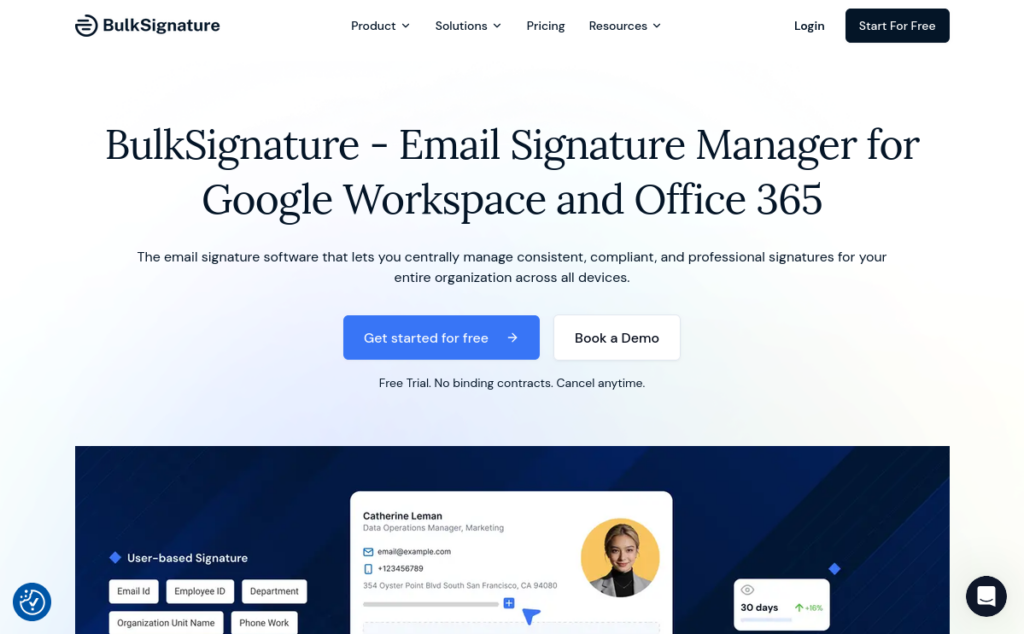
BulkSignature is one of the most practical WiseStamp alternatives for Google Workspace used by businesses that want to update Gmail signatures in bulk. It can manage signatures by user, group, or department, which makes it useful for Google-first businesses.
It is quite narrow but practical: it helps reduce manual effort in managing Gmail signatures.
Although, lately, they have been striving to integrate with Office 365, which would make it more useful for teams working across both email platforms and simplify administration even further.
- Works well for: Gmail signature management, Google Workspace signatures, bulk updates, and department-based changes.
- May not fit: Microsoft 365 users or companies with mixed email environments.
11. Letsignit
Best for: Companies that want centralized signatures with a marketing focus.


Letsignit helps teams manage email signatures, protect brand consistency, and use signatures as a campaign channel. It supports Microsoft 365 and Google Workspace, making it relevant for teams that want both control and marketing flexibility.
It may also appeal to European or French companies that value regional support and familiarity with local markets.
- Works well for: Centralized email signature management, campaign communication, brand consistency, Microsoft 365, Google Workspace, and marketing teams.
- May not fit: Businesses that want the lightest setup or a very simple buying decision.
12. Rocketseed
Best for: Mid-size and enterprise teams that want signatures, banners, disclaimers, and tracking.

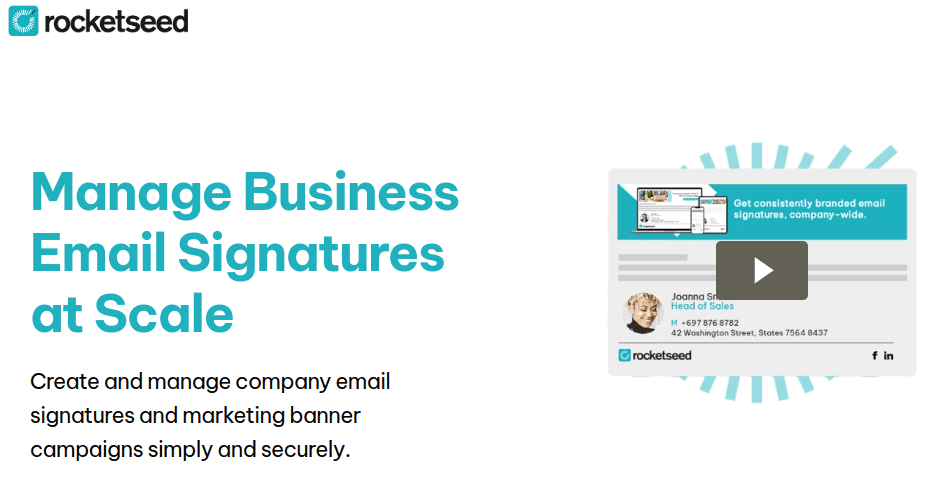
Rocketseed is an advanced email signature option for organizations that treat signatures as part of brand control, marketing performance, and compliance. It is better for companies that want a managed system with campaign banners, disclaimers, and analytics, rather than a quick signature generator.
- Works well for: Centralized signature management, campaign banners, legal disclaimers, analytics, tracking, and larger teams.
- May not fit: Smaller businesses that only need simple team signature management.
13. HubSpot (Email Signature Generator)
Best for: Individuals who want a free email signature generator.

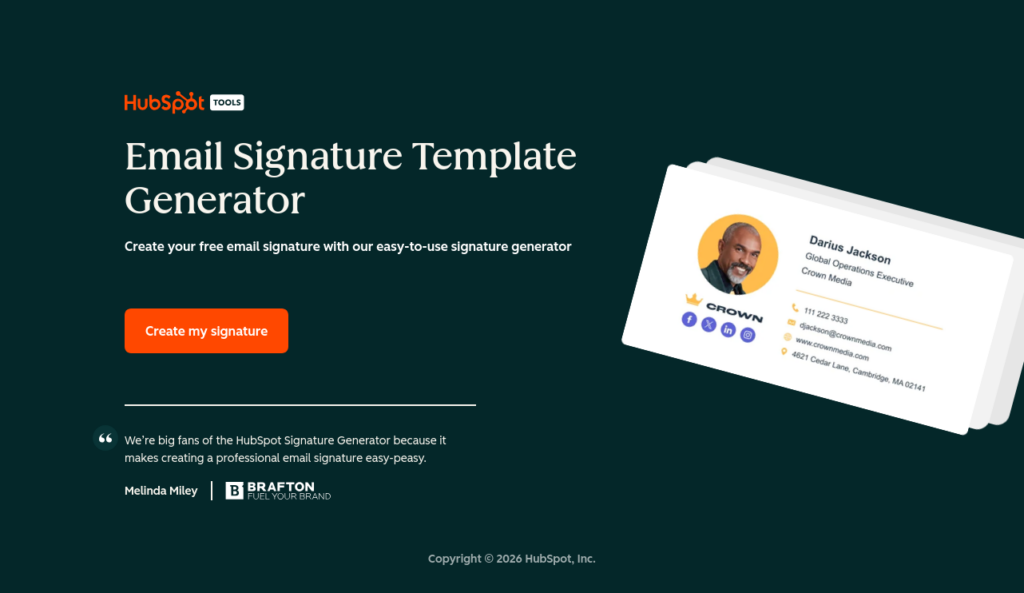
HubSpot’s Email Signature Generator is a useful free WiseStamp alternative for freelancers, consultants, and solo professionals who only need one basic signature. It helps users create a clean layout with contact details, links, and simple branding.
The limitation is exactly what makes it free: it is a generator, not email signature management software. It works well for one person, but it is not built for businesses that need consistent, company-wide email signatures.
- Works well for: Free email signature creation, solo professionals, freelancers, basic Gmail or Outlook signatures, and personal branding.
- May not fit: Teams that need centralized email signature management, automated deployment, permissions, company-wide updates, or professional signature governance.
Pros and cons of WiseStamp
WiseStamp offers professional templates, an easy signature generator, and solid Gmail and Outlook support. For individuals and very small teams, it’s a genuinely good starting point.
The drawbacks appear at scale: pricing can rise, centralized management is limited, and larger businesses may need deeper deployment, compliance, and Microsoft 365 or Google Workspace controls.
| Pros of WiseStamp | Cons of WiseStamp |
|---|---|
Easy to use: WiseStamp makes it simple to create a professional signature without design or coding work. | Less suited to larger teams: Managing many signatures may require stronger centralized control. |
Good templates: The templates are clean and useful for personal branding, freelancers, and small businesses. | Pricing can add up: Costs may rise with more users or advanced features. |
Gmail and Outlook support: It works well for users who mainly need signatures for common email clients. | Limited centralized management: Directory sync, permissions, automation, and bulk updates may require dedicated software. |
Strong for individual use: WiseStamp is practical when you only need one or a few signatures. | Limited enterprise depth: Larger companies may require stronger compliance, disclaimers, and integration with Microsoft 365 or Google Workspace. |
How to choose the right WiseStamp alternative
The best WiseStamp competitor is not the tool with the longest feature list. It is the email signature management program that fits the way you and your team actually work.
Freelancers and solo professionals
For one signature, a simple tool is usually enough. A free email signature generator such as HubSpot can cover the basics: contact details, social links, branding, and a clean layout.
MySignature can also work for a few individual accounts. The main limit is manual maintenance, which is fine for one person but quickly becomes awkward across a team.
Small businesses
Small businesses usually need more than a generator, but less than an enterprise platform. The priority is centralized control, consistent branding, fair pricing, and a setup that requires minimal IT support.
Bybrand fits this space well for teams using Google Workspace or Microsoft 365, especially when signatures need to be managed properly from one place.
Marketing teams
For marketing teams, signatures can become a small but repeated campaign channel. Banners, links, and analytics help turn everyday emails into useful touchpoints for launches, events, content, offers, or brand updates. The real value is the ability to update campaigns centrally rather than relying on every employee to edit their own signature.
IT-managed companies
IT teams should look closely at deployment. Native API-based connections, directory integration, centralized updates, and reliable support for Microsoft 365 or Google Workspace can reduce manual effort and keep employee details accurate across users, devices, and departments.
Large teams and enterprises
For larger organizations, signature management becomes a governance issue. Compliance, legal disclaimers, permissions, department-level branding, server-side deployment, and email routing all matter at scale.
CodeTwo and Exclaimer are strong options here, especially for Microsoft 365 environments with more advanced deployment needs.
Final recommendation
Global email volume is projected to hit roughly 424 billion messages sent and received per day in 2026 (Statista, 2026). Every one of those messages is a small branding opportunity, and your signature is part of that.
Whatever WiseStamp alternative you choose, compare based on your actual team size, budget, and the platforms you need to support. That’s a more useful test than any single feature list.
Frequently asked questions
What are the best free WiseStamp alternatives?
The best free WiseStamp alternatives are simple email signature generators such as HubSpot Email Signature Generator, MySignature’s free tools, and other basic Gmail or Outlook signature generators.
They are useful if you only need a single clean signature that includes your name, contact details, social links, and basic branding.
The trade-off is that free tools usually stop at the template level. They rarely offer centralized management, automated deployment, team controls, analytics, or strong brand consistency features.
For freelancers and solo professionals, that may be enough. For a business with several employees, free email signature tools can quickly become difficult to manage.
What is the best WiseStamp alternative for small businesses?
For small businesses, the best WiseStamp alternative is usually a platform that balances affordability, ease of setup, and centralized email signature management.
Bybrand is a strong option for companies using Google Workspace or Microsoft 365 because it helps teams manage employee signatures from one place without a heavy enterprise setup. It is especially useful when a business wants consistent branding, professional templates, and fewer manual updates.
MySignature or Signitic can also work for smaller teams with simpler needs, but Bybrand is a better fit when signature management needs to become more structured.
What is the best WiseStamp alternative for large teams and enterprises?
For large teams and enterprises, CodeTwo and Exclaimer are top WiseStamp competitors. They suit organizations that need advanced deployment, legal disclaimers, permissions, compliance controls, and centralized management.
These WiseStamp alternatives for Microsoft 365 are suitable for companies that may need server-side signatures, Exchange Online connectors, routing rules, and department-level branding.
They usually require more setup than lighter tools, but they also offer the level of control larger organizations often need.
How does WiseStamp compare with its competitors?
WiseStamp is a good starting point for individuals, freelancers, and small teams that need professional email signatures quickly.
Compared with more advanced WiseStamp competitors, its main strength is simple signature creation rather than deeper management.
For small and growing businesses using Google Workspace or Microsoft 365, Bybrand provides centralized management of signatures, templates, and banners without the complexity of enterprise systems.
Meanwhile, CodeTwo caters to Microsoft 365 organizations that require IT-driven controls, such as server-side signatures and legal disclaimers.
Exclaimer is built for larger organizations needing comprehensive enterprise signature management, governance, and compliance across Microsoft 365, Google Workspace, or Exchange.
What should I look for in a WiseStamp competitor?
A good WiseStamp competitor should align with how your business manages signatures. For one person, a free email signature generator may be enough. For a small business, centralized management and affordable pricing matter more.
For marketing teams, banner campaigns and analytics can be useful. For IT teams and enterprises, deployment methods, compliance, permissions, and support for Microsoft 365 or Google Workspace become more important.
The best choice is not always the most advanced tool, but the email signature software that fits your team size, workflow, email platform, and level of control.
What is the difference between native API integrations and server-side routing?
When comparing WiseStamp alternatives, deployment method matters.
Native API or platform-based integrations like Bybrand and Exclaimer connect directly with Google Workspace, Microsoft 365, or Microsoft Entra ID to centrally update signatures and sync employee data without altering email routing.
Conversely, server-side routing solutions like Crossware, Xink, Rocketseed, Signature 365, and CodeTwo route emails through an external service to apply signatures post-send, ensuring cross-device consistency.
CodeTwo specifically utilizes Exchange Online connectors and transport rules to route mail through its service.
While useful for larger organizations, server-side routing requires a significant infrastructure decision involving DNS or mail flow changes such as SPF, MX, DKIM, DMARC, inbound or outbound connectors, and transport rules, meaning IT teams must thoroughly review routing, processing locations, and environmental impacts before implementation.


Manage email signatures with more control
Bybrand helps companies generate, administer, and distribute email signatures for employees in one place.