
This post is also available in:
In Q2 2026, Bybrand introduced major enhancements for teams managing email signatures at scale. The updates this quarter strengthen our commitment to productivity, Microsoft 365 integration, and building professional signatures with less manual work.
Featured
The main new feature this quarter is integration with Microsoft 365 via Microsoft Entra ID.
With this integration, administrators can import users directly from Microsoft 365 into Bybrand, making it easier to create and update email signatures across the entire organization. The integration reduces manual steps, keeps employee data more consistent, and helps IT and marketing teams work from a centralized directory.

This improvement also paves the way for a highly requested feature: syncing employee profile photos from Microsoft Entra ID. This makes it easier to create email signatures with profile photos, ensuring a professional and standardized look across the entire company.
To enable the integration, go to https://app.bybrand.io/integrations. We’ve also published a section of tutorials dedicated to Microsoft Entra ID.
More updates
Login with a Microsoft account
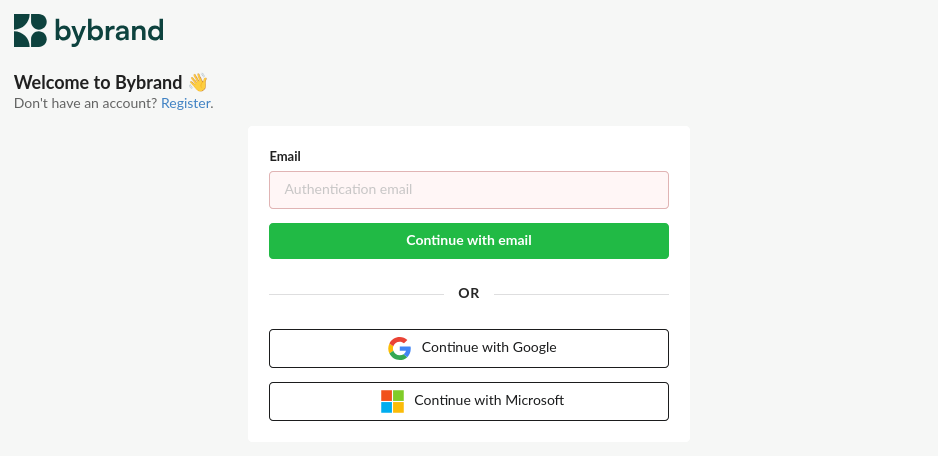
In addition to the integration for importing users, you can now also log in to Bybrand using a Microsoft account. This option simplifies access for teams that already use Microsoft 365 daily, reducing the need to manage separate credentials.

New email signature templates
We’ve added new email signature templates to help teams create professional signatures more quickly. The new HTML templates offer different styles and structures, making it easier to choose a layout that suits your emails, whether for sales teams, support, or corporate communications.

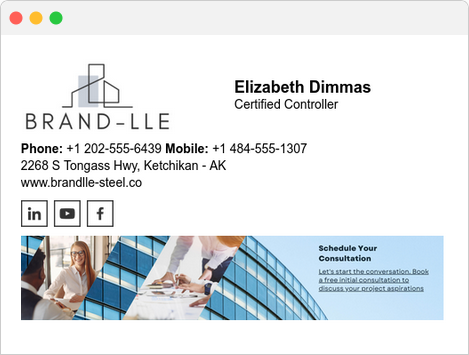

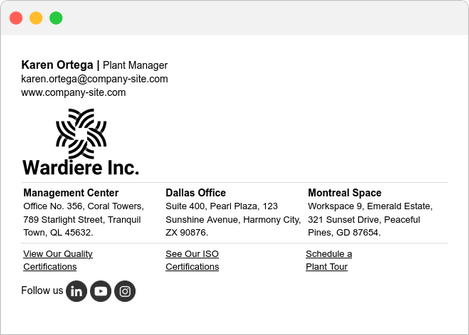

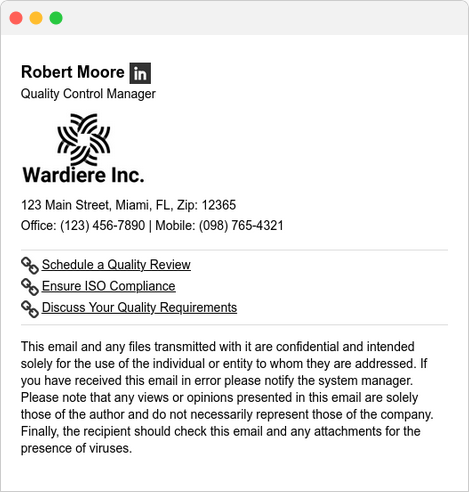

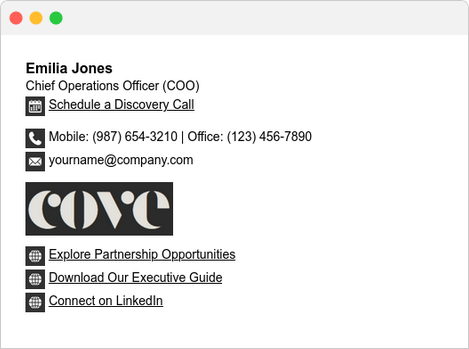
We’ve also created a subcategory dedicated to ready-to-use templates for Outlook for business, designed for those who need to standardize signatures in the Microsoft environment quickly and consistently.
There, you’ll find professional options already structured for day-to-day business use, making it easier to choose a suitable layout and speeding up deployment across teams.
- Learn more at: Ready-made email signature templates for Outlook.
LinkedIn-based generator Improvements
We’ve also enhanced the LinkedIn-based signature generator. We’ve added new ready-made templates to speed up the creation of consistent signatures. Additionally, importing the cover image (background)

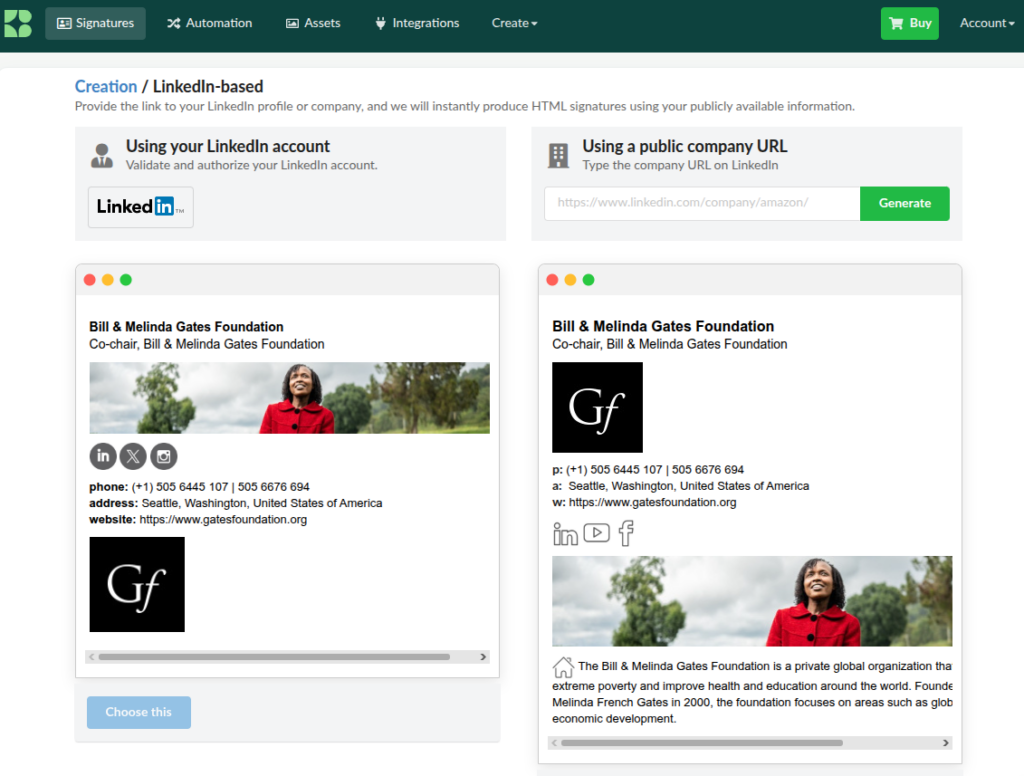
It is now possible to import your profile cover photo to customize the look of your HTML signature.
Add employees from a list
We’ve also launched a faster way to register multiple employees at once: adding employees from a list.

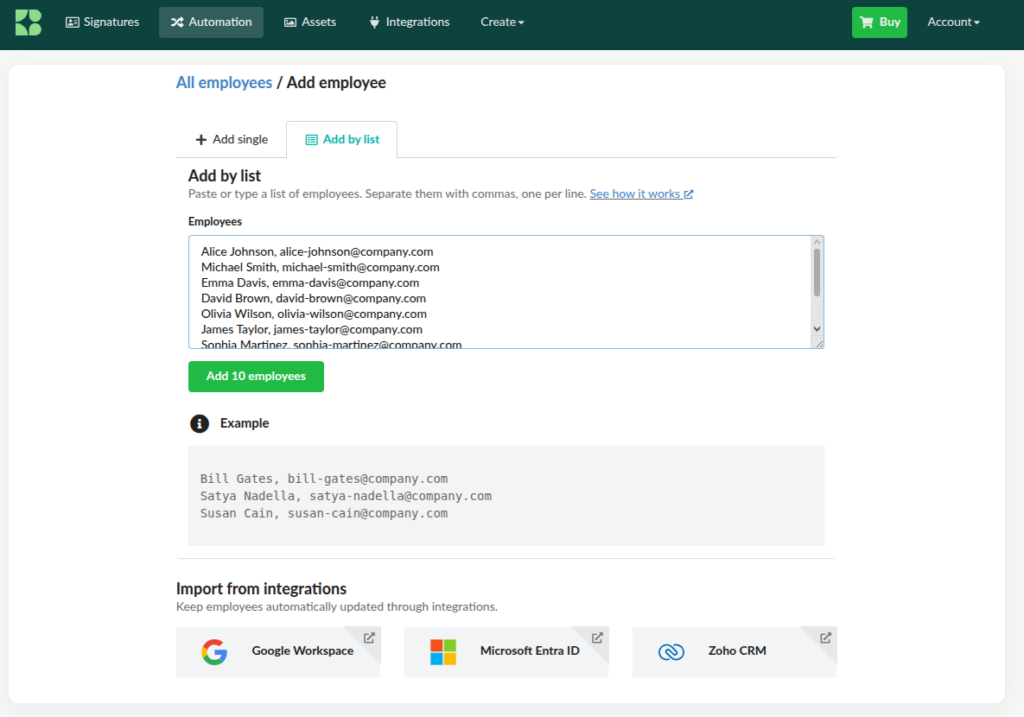
Instead of filling out each form individually, you can now enter multiple contacts in sequence to speed up the signature creation process. This improvement is especially useful for companies that are starting a rollout or updating many users at the same time.
- See the full tutorial.
New keyboard shortcuts
The Bybrand editor now includes new keyboard shortcuts to help you work faster.
You can now duplicate rows, move rows up or down, and use the numeric keypad for common actions on email signature pages, such as opening details, previewing and testing, sharing, or duplicating a signature.
- Complete list of shortcuts.
Conclusion
The new features for Q2 2026 make Bybrand more integrated with Microsoft 365, faster to set up for large teams, and more efficient for everyday use.
With integration with Microsoft Entra ID, Microsoft account login, new templates, keyboard shortcuts, and improvements to employee onboarding, we continue to simplify email signature management for companies that need consistency, productivity, and control.