
This post is also available in:
Key takeaways
- Finding the best Signitic alternatives can improve email signature management in Google Workspace.
- Signitic is known for centralized email signature management but has limitations in usability, compatibility, and costs.
- To choose a Signitic alternative, consider factors like required features, integration, price, and ease of use.
- Top Signitic alternatives include Bybrand, RocketSeed, SignatureSatori, Exclaimer, WiseStamp, and MySignature, each with unique features.
- Using a signature manager enhances brand consistency, integrates marketing, and opens up more business opportunities.
Finding the best Signitic alternatives can make a big difference in managing your company’s email signatures. Although Signitic is a well-known solution (mainly in France), it doesn’t always offer the best balance between price, ease of use, and features.
If you’re looking for an efficient platform to manage email signatures in Google Workspace, this guide brings together the top options on the market.
Throughout this article, you will learn about the main Signitic alternatives, understand their advantages and limitations, and discover which criteria really matter before choosing a platform.
What is Signitic?

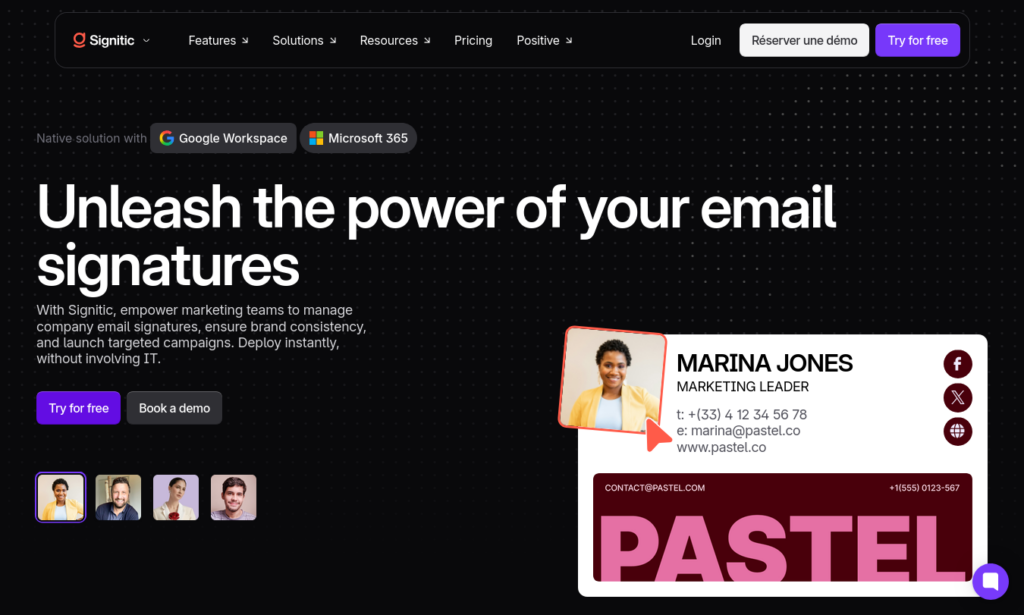
Signitic is a platform specialized in the centralized management of corporate email signatures. Its goal is to allow companies to create, update, and distribute standardized signatures for all employees, maintaining a consistent visual identity.
In addition to signature administration, the platform allows you to insert promotional banners, marketing campaigns, and institutional messages directly into emails sent by employees.
Another highlight is its integration with Google Workspace and Microsoft 365, allowing for automatic user synchronization.
What are the limitations of Signitic?
Despite its popularity, there are several reasons why many companies search for Signitic alternatives.
The administrative interface, although it has evolved, can still seem complex for teams looking for a simpler solution.
Another important point is the limited compatibility with some email applications, especially Apple Mail on iPhone devices.
Cost also deserves attention. For larger companies, the monthly value per user can represent a high investment when compared to similar solutions.
Signitic has limitations in payment methods, being available only in euros. This can become an issue for companies in the United States, Canada, Brazil, or India.

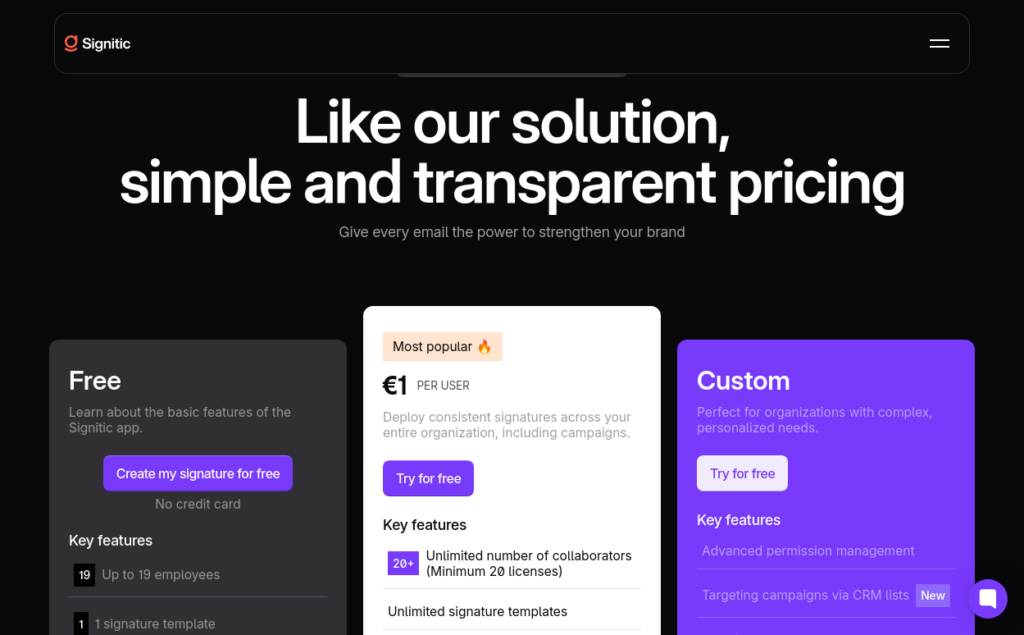
On the free plan, the Signitic logo is displayed at the bottom of the signature.
Furthermore, some features require greater technical knowledge during the initial configuration.
- Website: https://www.signitic.com/
- Capterra rating: 4.8/5 (67 reviews)
- G2 rating: 4.6/5 (202 reviews)
How to choose a Signitic alternative
Before deciding between the various Signitic options, it’s worth analyzing some important factors.
1. Required features
Not all companies have the same needs.
Some only need to create professional signatures, while others look for advanced features like marketing campaigns, banners, directory integration, automatic user synchronization, and bulk management.
The more aligned the platform is with your workflow, the better the return on investment will be.
2. Integration with your environment
Check if the tool works perfectly with Google Workspace, Microsoft 365, or any other platform used by the company.
Native integrations usually significantly reduce implementation time.
3. Price and scalability
Analyze not only the current price but also how it evolves as your team grows.
A cheap solution for 20 users can become expensive for 500 employees.
It’s also worth looking for free trial periods and the availability of flexible plans.
4. Ease of use
A good tool should allow any administrator to make changes quickly.
The shorter the learning curve, the less time will be spent on internal support.
Top Signitic alternatives for Google Workspace
Here are six great Signitic alternatives to consider, all with smooth integration with Google Workspace.
| Tool | Plan | Price | Capterra | G2 |
|---|---|---|---|---|
| Bybrand | 14-day free trial | Starting at $8/month | 4.9/5 (111 reviews) | 4.8/5 (15 reviews) |
| RocketSeed | Free for 14 days | 10 users for $600.00 USD/year | 4.8/5 (138 reviews) | 4.6/5 (75 reviews) |
| SignatureSatori | Credit-based or subscription | $5.55 monthly; $1.11 per user | 5/5 (3 reviews) | 4.3/5 (6 reviews) |
| Exclaimer | Starter, Standard, and Pro | $0.90 per user/month | 4.5/5 (585 reviews) | 4.5/5 (1,400 reviews) |
| WiseStamp | Pro+, Basic, and Grow | Starts at $9/month | 4.3/5 (128 reviews) | 4.6/5 (579 reviews) |
| MySignature | Professional, Teams, and Agency | Starts at $7 per user | 4.8/5 (17 reviews) | 4.7/5 (177 reviews) |
Now, let’s dive deeper into each alternative solution.
1. Bybrand

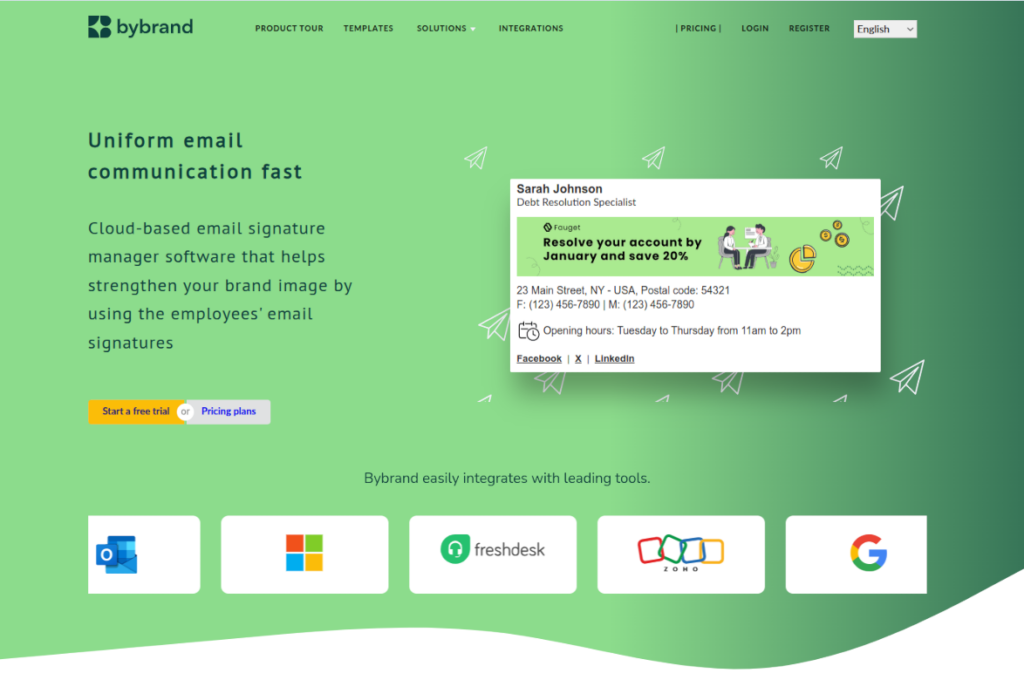
Among all Signitic alternatives, Bybrand stands out for offering an excellent balance between ease of use, features, and cost-benefit.
Its integration with Google Workspace allows you to update signatures for all users with just a few clicks.
Video demonstration:
The platform offers different ways to create signatures:
- Visual editor
- Custom HTML mode editor
- Text to HTML conversion
- LinkedIn information import
- Ready-to-use templates
Another differentiator is managing multiple domains, aliases, and user groups.
This makes it much easier for companies that have different departments or brands.
Bybrand also allows you to update hundreds of signatures simultaneously and import users directly from Google Workspace.
- Website: https://www.bybrand.io/
- Capterra Rating: 4.9/5 (111 reviews)
- G2 Rating: 4.8/5 (15 reviews)
2. RocketSeed

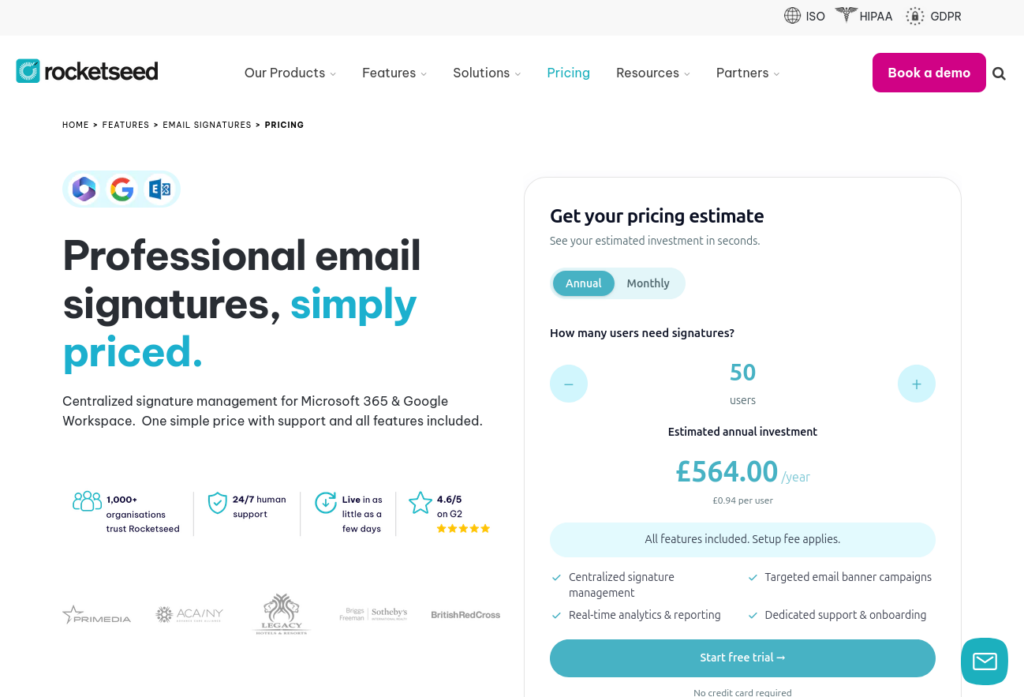
However, the cost can be a point of concern, especially for small and medium teams. To give you an idea, the plan for 10 users costs about 600 dollars per year, which can weigh on the budget depending on the size of the company.

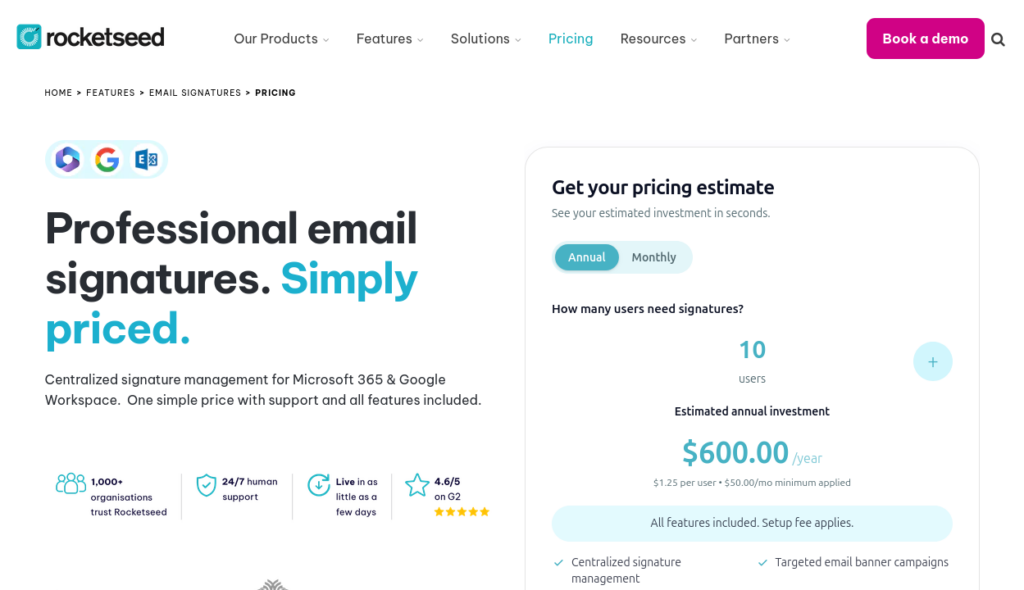
Its main differentiator lies in its email marketing features, including dynamic banners and detailed metrics.
On the other hand, its implementation usually requires changes to the domain’s DNS, making the configuration more technical compared to other solutions.
For companies that want advanced campaign analytics, it can be an excellent choice.
- Website: https://www.rocketseed.com/
- Capterra Rating: 4.8/5 (138 reviews)
- G2 Rating: 4.6/5 (75 reviews)
3. SignatureSatori

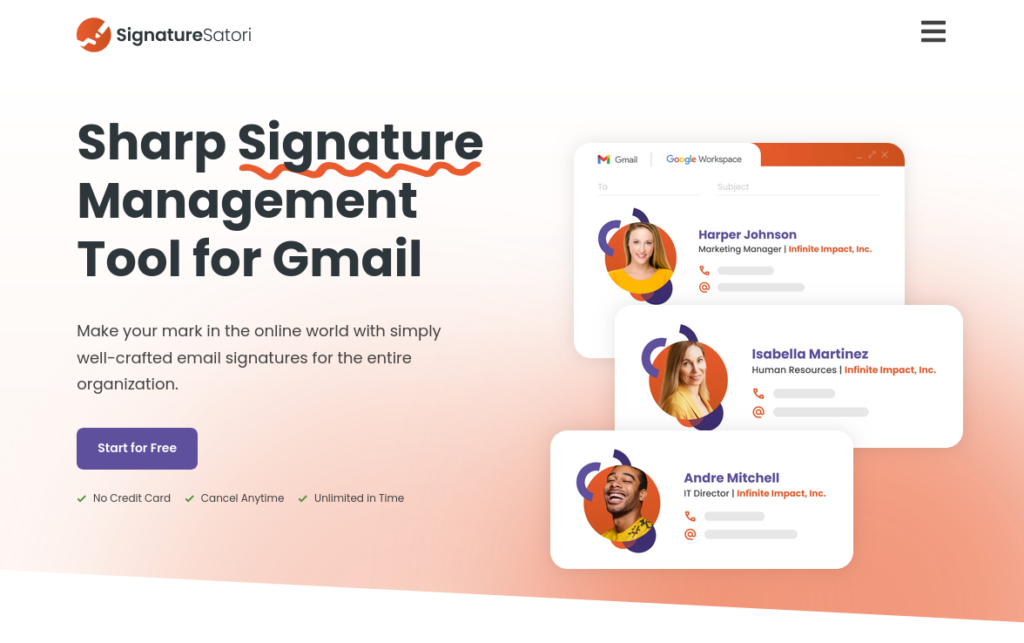
SignatureSatori was developed specifically for Google Workspace users.
Its goal is to offer rapid implementation and simple management of corporate signatures.
The platform also provides dynamic signatures and analytical features that help companies measure the performance of campaigns conducted through emails.
- Website: https://signaturesatori.com/
- Capterra Rating: 5/5 (3 reviews)
- G2 Rating: 4.3/5 (6 reviews)
4. Exclaimer

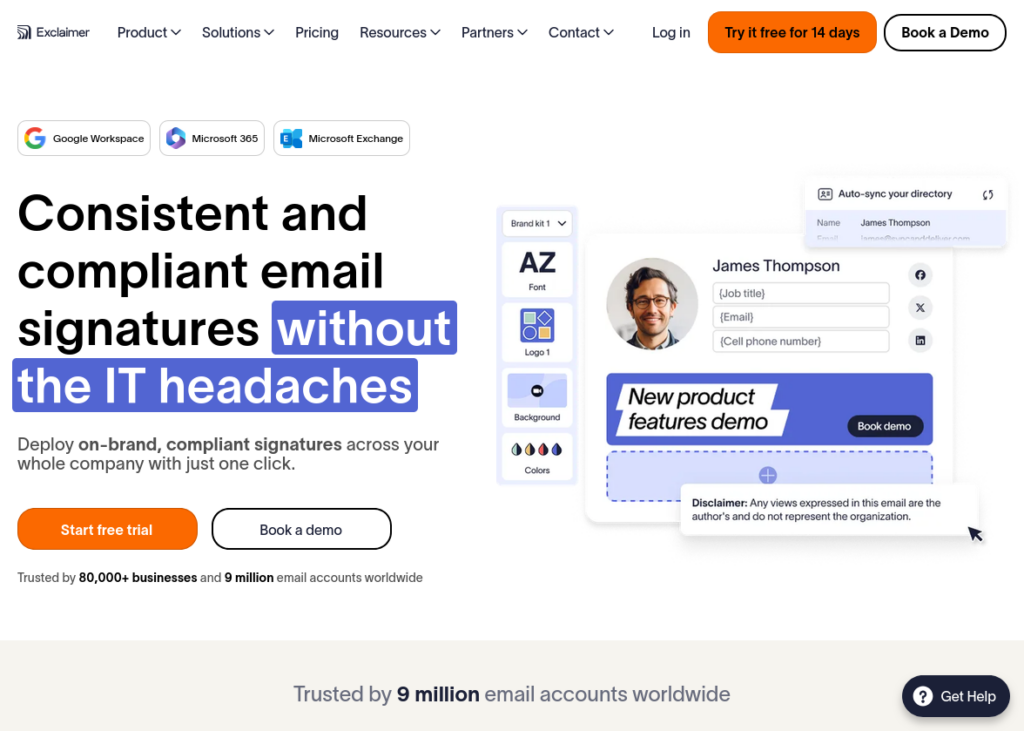
Exclaimer is one of the most traditional solutions on the market and has a solid user base. However, it’s worth keeping an eye on costs, especially if your company has a large number of accounts, as the monthly value can grow quickly and exceed expectations.
It has integration with Google Workspace and Microsoft 365, in addition to offering advanced customization features.
Its implementation process may require greater technical knowledge, but once configured, it delivers an extremely robust platform for medium and large organizations.
- Website: https://exclaimer.com/
- Capterra Rating: 4.5/5 (585 reviews)
- G2 Rating: 4.5/5 (1,400 reviews)
5. WiseStamp
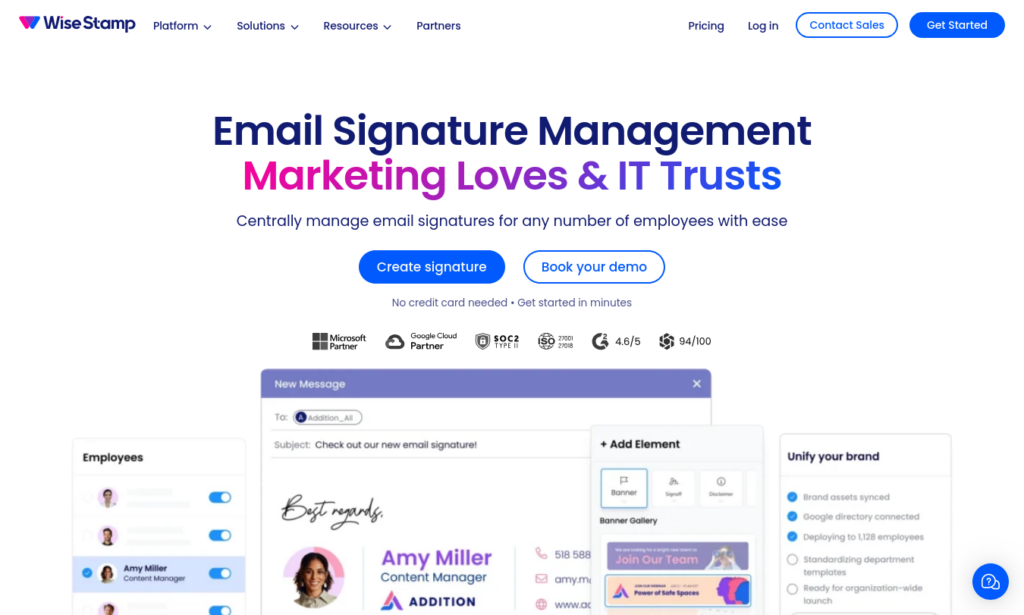
WiseStamp is well known for its ease in creating professional signatures. Like Exclaimer, it is a reliable and secure option for companies. However, it’s worth keeping an eye on costs, especially if you intend to standardize email communication for larger teams, such as companies with more than 100 employees.
The platform offers several ready-made templates, integration with social networks, promotional banners, and performance statistics.
It’s a good option for small companies and teams that want to get started quickly without a complex setup.
- Website: https://www.wisestamp.com/
- Capterra Rating: 4.3/5 (128 reviews)
- G2 Rating: 4.6/5 (579 reviews)
6. MySignature

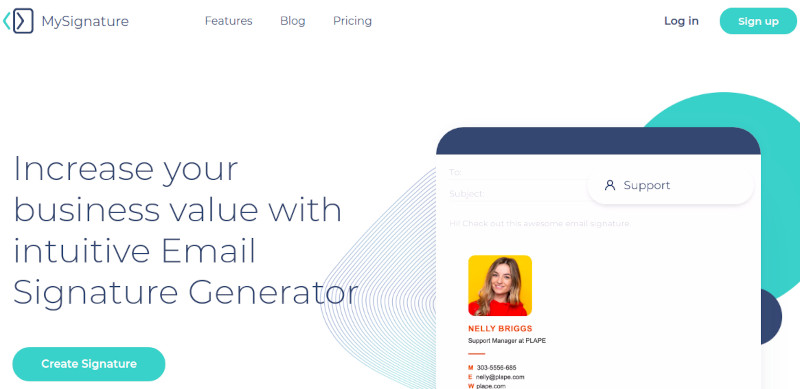
MySignature is a practical and affordable alternative for creating professional email signatures, being quite popular among freelancers, small businesses, and growing teams.
While not as robust as other solutions aimed at large companies, MySignature stands out for its simplicity of use and more accessible cost.
- Website: https://mysignature.io/
- Capterra Rating: 4.8/5 (17 reviews)
- G2 Rating: 4.7/5 (177 reviews)
How to migrate your email signatures
Migrating to one of the Signitic alternatives doesn’t have to be complicated when there is planning.
Before starting, back up current signatures to avoid information loss.
Then, validate all templates and customize them according to the company’s visual identity.
Train the administrators responsible for the platform and perform tests before final implementation.
If your company uses platforms like Google Workspace (Gmail) or Microsoft 365 (Outlook), migration is usually simple and smooth. Tools like Bybrand and WiseStamp already offer native integration with these services, making the whole process much easier.
After migration, regularly monitor whether all signatures continue to sync correctly.
Why use a signature manager in Google Workspace?
Centralizing corporate signatures offers several advantages for companies of any size.
Brand strengthening
All messages sent by employees follow a consistent visual standard, strengthening the company’s identity.
Integrated marketing
Promotional banners can promote events, campaigns, launches, rich materials, or news without the need for extra email blasts.
More business opportunities
Well-structured signatures include updated information, strategic links, and calls to action that help sales teams generate new contacts and opportunities.
Final: best Signitic alternative?
There are many Signitic alternatives capable of meeting different needs and budgets.
While platforms like Exclaimer and RocketSeed offer advanced features for large organizations, solutions like Bybrand, SignatureSatori, and WiseStamp prioritize ease of use and excellent cost-benefit.
Before deciding, carefully evaluate factors such as Google Workspace integration, ease of management, scalability, available features, and required investment. This way, your company can choose a platform that simplifies email signature administration and further strengthens its corporate communication in the long term.


Create your first email signature with Bybrand
Bybrand offers the ability to generate, administer, and distribute essential email signatures for your employees.