

This post is also available in:
- The guide compares NewOldStamp with other email signature tools and explains why businesses might switch for better customization, compliance, analytics, or pricing.
- It reviews selection criteria such as integrations, Active Directory sync, banner campaigns, and deployment needs.
- It highlights options including Bybrand, WiseStamp, MySignature, Signitic, Letsignit, Rocketseed, and free generators from HubSpot and HoneyBook.
- Recommendations vary by business size and priorities, with Bybrand, HoneyBook, and Rocketseed presented as strong choices for different use cases.
In 2024, the global email signature software market size was roughly $1.42 billion. By 2033, that number is expected to be $6.98 billion. With the growing number of email signature management options on the market, it can take a lot of research to find the right solution for your business.
NewOldStamp is a well-known email signature software that helps businesses create consistent, branded email signatures across their teams. The solution was acquired by Blackpearl Group in 2022, so this might be a perfect reason to switch platforms if things aren’t going well under the new management.
There are many NewOldStamp alternatives on the market, each with unique benefits and limitations. Because business needs vary, it’s important to review each competitor’s offerings before choosing.
Whether you’re a small business seeking a more affordable option or an enterprise with advanced compliance needs, there’s an email signature management tool built for you. Our guide reviews NewOldStamp alternatives, highlights what sets each platform apart, and helps streamline your decision-making process.
Table of contents
Why look for a NewOldStamp alternative?
For mid-market businesses with small teams, NewOldStamp is a trusted email signature management tool. Its custom templates make it easy to deploy unique signatures across teams, and its marketing features let you add campaign banners or call-to-action buttons directly in signatures.
However, NewOldStamp isn’t built for large, complex businesses. Its email analytics are limited, and customization may not be enough for organizations with specific signature needs. If compliance notices or legal disclaimers matter, it’s probably not the right solution.
There are many reasons a business may want to review NewOldStamp competitors, including:
- More advanced customization options for different teams or functions
- Variety of options for email signature layouts and branding
- Built-in legal disclaimers and compliance features
- Stronger marketing analytics and metric tracking
- Different pricing needs
- Scalable infrastructure for growing businesses
The best NewOldStamp alternative depends on your organization’s size, budget, and approach to email signature management. Whether your priority is branding, compliance, or customization, review NewOldStamp’s competitors before deciding.
What to look for in an email signature manager?
With the availability of many different email signature software platforms, finding the right one for your organization is a major undertaking. As you comb through websites and product reviews, here are the top features to consider:
- Centralize management: Can you update every employee’s email signature from one place? This is the core value of signature management software, so confirm how company-wide updates will work with NewOldStamp alternatives.
- Integration options: Some tools only support Microsoft 365, while others integrate with Google Workspace. Many work with both (plus other apps). Make sure it fits your current tech stack.
- Active Directory sync: When employee info changes in Active Directory (title, contact details, etc.), the email signature tool should sync updates automatically. Most tools do this, but confirm before choosing.
- Banner campaigns: This isn’t critical for every business, but if you want to use email signatures for marketing purposes, it’s helpful to add interactive banner campaigns to employee signatures.
- Template availability: A common complaint with email signature software is too few templates. If this matters to you, choose a tool with a large library of pre-built signature templates.
- Security: Company emails can contain sensitive information; choose an email signature management tool that emphasizes data security and processes your correspondence in a way that you feel good about.
- Compliance features: Since NewOldStamp isn’t known for compliance, regulated businesses (e.g., finance, government, insurance) may need an alternative with stronger compliance support.
- Deployment: Do you want an email signature tool that’s easy to set up without IT support, or one that fits a more hands-on IT rollout? This will help narrow the best option.
NewOldStamp Competitors at a glance
Below is a snapshot of each platform’s offerings compared with the other options in this guide.
| Platform | Microsoft 365 | Google Workspace | Monthly Price | Ideal Business Size |
|---|---|---|---|---|
| NewOldStamp | Yes | Yes | $1.30 per user | Mid-sized businesses |
| Bybrand | Yes | Yes | $0.80 per user | Small to mid-sized |
| WiseStamp | Yes | Yes | $1.00 per user | Small businesses |
| MySignature | Yes | Yes | $1.50 per user | Freelancers and small businesses |
| SyncSignature | Yes | Yes | $1.60 per user | Small to mid-sized |
| Letsignit | Yes | No | $3.20 per user | Mid-sized to enterprise |
| HubSpot Generator | Yes | Yes | Free | Freelancers and small businesses |
| Signitic | Yes | Yes | €1 per user | Small to mid-sized |
| HoneyBook Generator | Yes | Yes | Free | Freelancers and small businesses |
| Rocketseed | Yes | Yes | $1.47 per user | Enterprise |
| Signature Hound | Yes | Yes | $0.47 per user | Small businesses |
Full details: best NewOldStamp alternatives
No email management software is the best solution for every business or industry. Some are better for compliance and administrative ease, while others are designed for marketing and analytics. Below is a snapshot of the best NewOldStamp alternatives on the market today.
Bybrand
Best for: Small and mid-sized businesses that want to prioritize marketing features and campaign banners within their email signature management process.

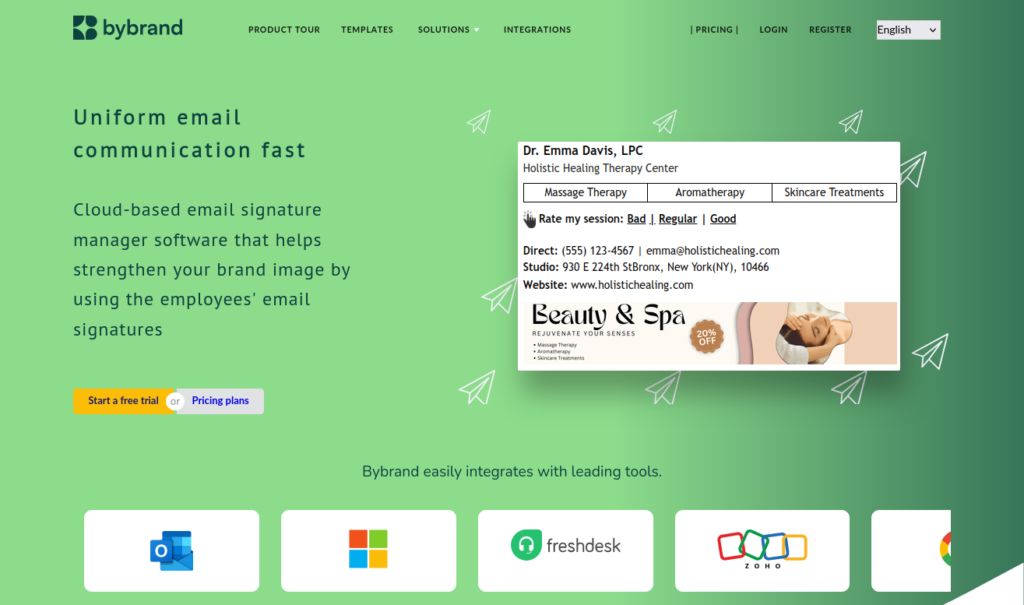
One of the best NewOldStamp alternatives is Bybrand, an email signature software that helps businesses centrally manage email signatures across Google and Microsoft environments. It offers a wide variety of signature templates and automatically syncs with Active Directory. Even more, Bybrand includes campaign banners and tracks how users interact with your email signatures.
Users love:
- The quality/price mix
- Simple integrations with many platforms
- Vast marketing-related capabilities
Users dislike:
- Platform can be confusing at first
- Advanced features could be more intuitive
WiseStamp
Best for: Growing businesses that want centralized email signature management without heavy IT involvement.

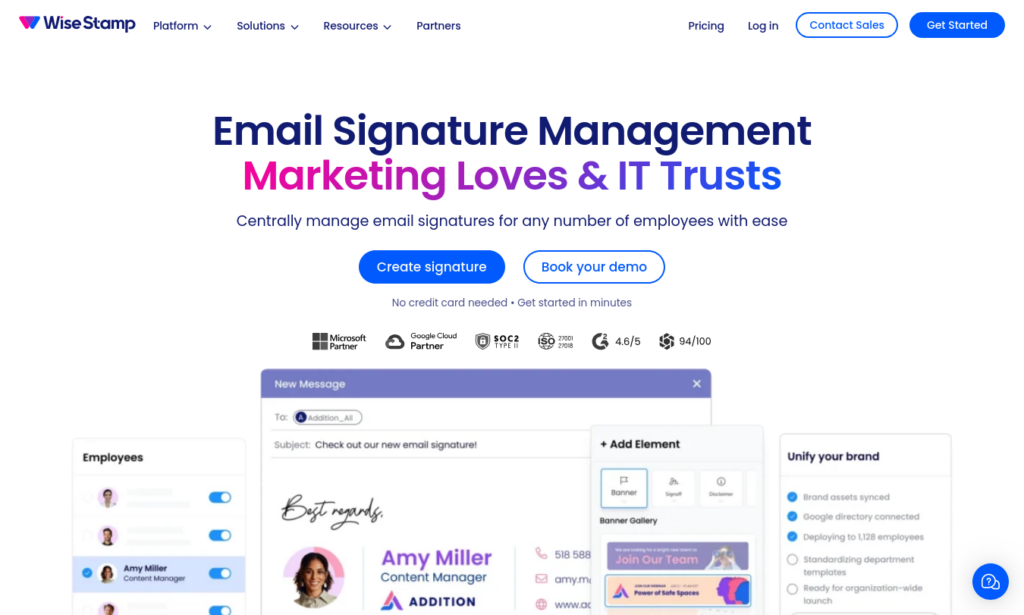
With the advanced set of features and long list of integrations offered by WiseStamp, it’s almost surprising that it’s an email signature software meant for non-technical users. Although it can scale and adapt to your business needs, it doesn’t need a lot of IT support during implementation or ongoing maintenance. WiseStamp is AI-powered, allowing users to lean on AI for template customizations and advanced functionality.
Users love:
- Easy integration with HubSpot
- Advanced customizations allow personalization
- Great customer support team
Users dislike:
- Banner images display inconsistently across environments
- No Zoom integration
MySignature
Best for: Small teams and freelancers who want branded email signatures but don’t require complex, scalable solutions.

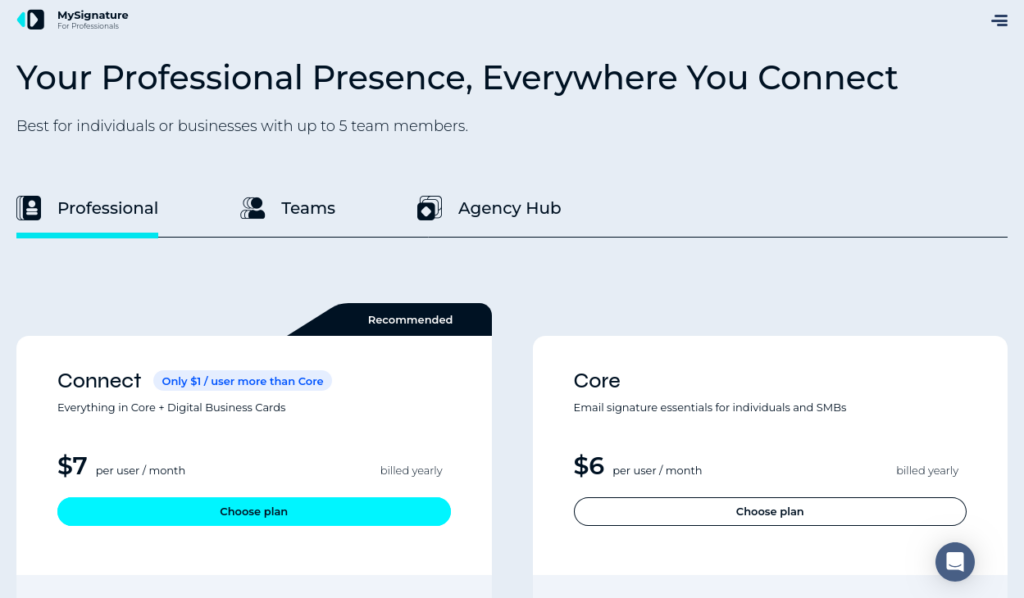
With just the right amount of features for small teams, MySignature gives its users access to the same features offered by the larger email management software providers while keeping things lean enough to be budget-friendly and easy to navigate. To get started, all users have to do is select a template and add their social media links, campaign banners, and any other customizations.
Users love:
- User-friendly interface
- Helpful analytic insights to optimize signatures
- Personalized follow-up and support
Users dislike:
- Different pricing plans make it difficult to choose the right one
- Mobile version lacks capabilities
- Limited banner customization options
SyncSignature
Best for: Small and midmarket organizations that need flexible signature solutions without major compliance demands.

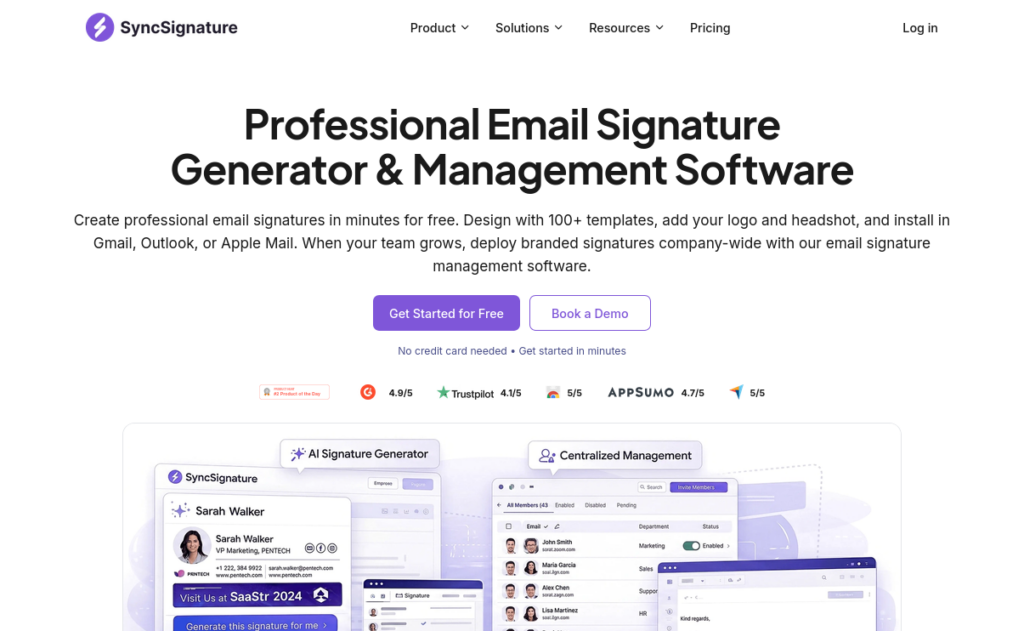
Built for small businesses, midmarket businesses, and agencies, SyncSignature is a versatile signature management software that works well with Google and Microsoft environments. With SyncSignature, a central operator can push updated branded signature templates to the entire organization. Campaign banners and compliance disclaimers can also be managed centrally. However, for strict compliance needs, Exclaimer and CodeTwo offer more formal certifications and on-premise support.
Users love:
- Simple onboarding process
- Centralized signature management across global teams
- Professional and intuitive platform
Users dislike:
- Advanced customization options take time to figure out.
- Not possible to see a preview while developing signatures
Letsignit
Best for: Marketing teams that want to align email signature design with branded decks and business cards.


Letsignit combines signature management with communications assets, making it a helpful tool for marketing, HR, and corporate communications teams. Businesses can create and manage email signatures in one place, adding dynamic content, calendar links, and marketing banners. The platform integrates with Microsoft 365 and Outlook, but is not supported in Google Workspace.
Users love:
- Well-structured admin portal
- Signature designs can be assigned by date
- Consistent branding across marketing assets
Users dislike:
- No Google Workspace integration
- Platform navigation can feel overwhelming
Generator by HubSpot
Best for: Individuals and small businesses that need a free email signature generator.

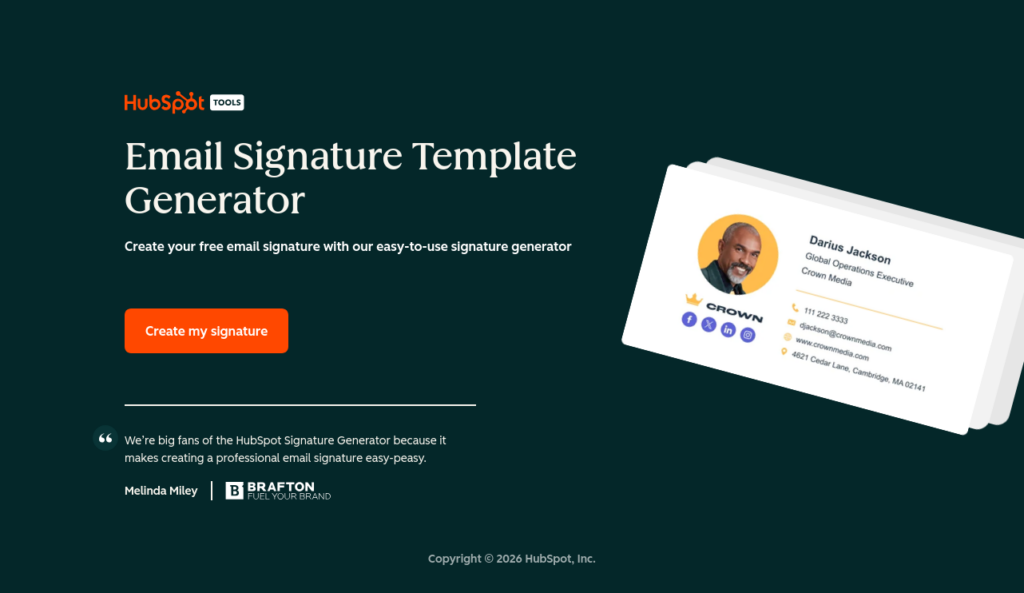
HubSpot’s free generator allows users to create simple email signatures online. After users manually input their contact information, images, and branding preferences, the generator will provide a custom email signature. Unlike paid platforms, this tool does not offer centralized management capabilities or sync with Active Directory.
Users love:
- Completely free to use
- Simple information gathering process
- Call-to-action button functionality
Users dislike:
- No centralized signature management for teams
- Limited customization options
- Scaling is not feasible
Signitic
Best for: Marketing teams based in the EU that need strong GDPR compliance.
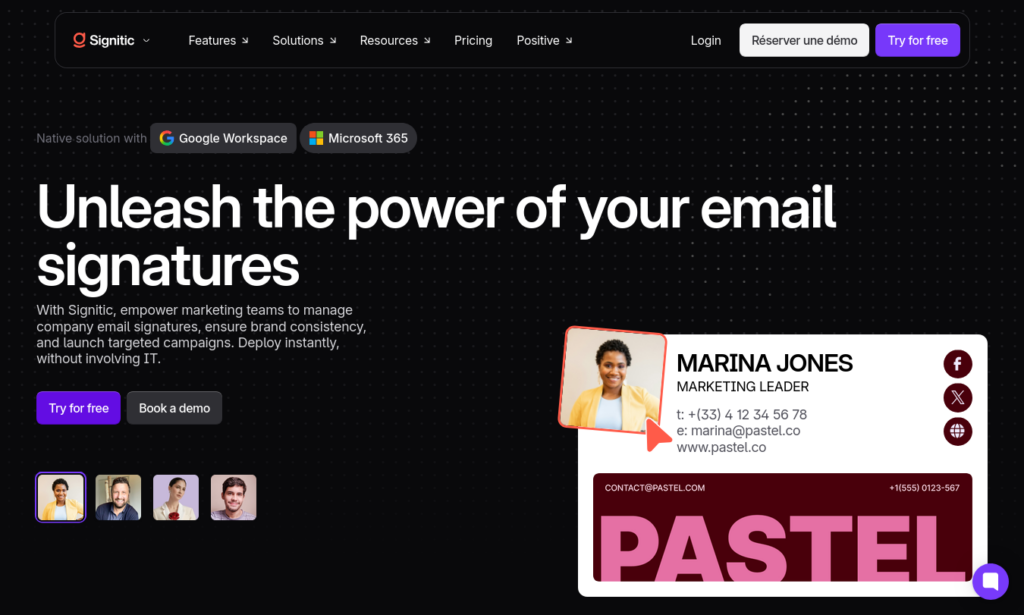
This French email management software can be used with Microsoft 365 and Google Workspace. It features strong marketing integrations and capabilities, allowing teams to create custom templates, highlight marketing campaigns, and gather key insights with ease. Signitic also enables A/B banner testing, which is helpful when choosing between multiple assets.
Users love:
- No need for IT support
- Weekly email statistics
- Scheduled banner campaigns
Users dislike:
- Template layouts could be improved
- Actions are performed through a web interface
Generator by HoneyBook
Best for: Solo entrepreneurs or small business owners who aim for professional email branding.

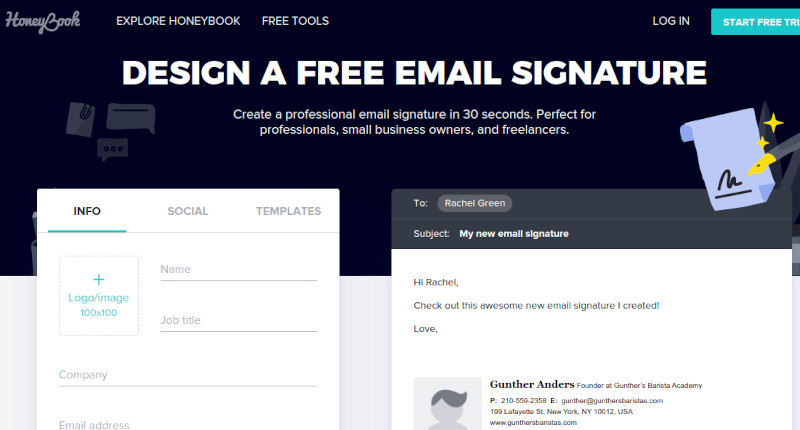
HoneyBook’s instant online email signature generator is free and easy to use. Much like HubSpot Generator, this option is meant to be a quick solution for individuals and small teams who want to improve branding. Its features are limited, but in just three steps, users can have a custom email signature that looks professional and clean.
Users love:
- Instant turnaround
- Easy to use
- Affordable price point (free!)
Users dislike:
- Limited marketing features
- No consistently branded outputs
Rocketseed
Best for: Enterprise organizations with critical security and compliance needs.

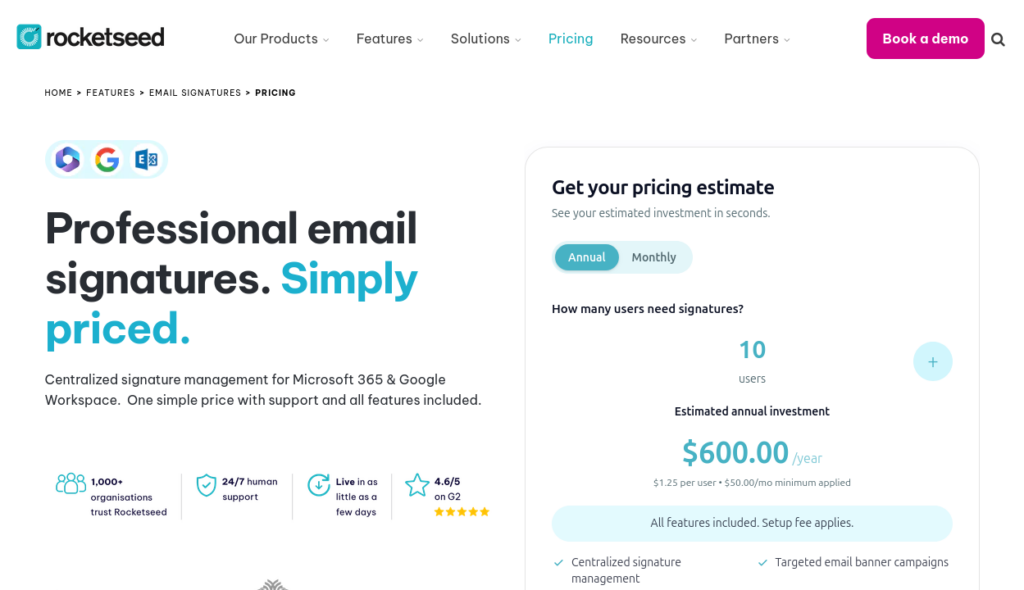
Rocketseed is a robust solution. Users benefit from email signature generation, email signature marketing, reliable security standards, compliance certifications, and actionable reporting features. This is a great option for complex organizations that are looking to keep sensitive data secure while centrally managing email signatures.
Users love:
- Strong security and compliance features
- Support for complex IT environments
- Centrally-managed email signatures across functions and entities
Users dislike:
- Complex configuration requirements
- No video embedding capabilities
Signature Hound
Best for: Small businesses that are prioritizing budget solutions.
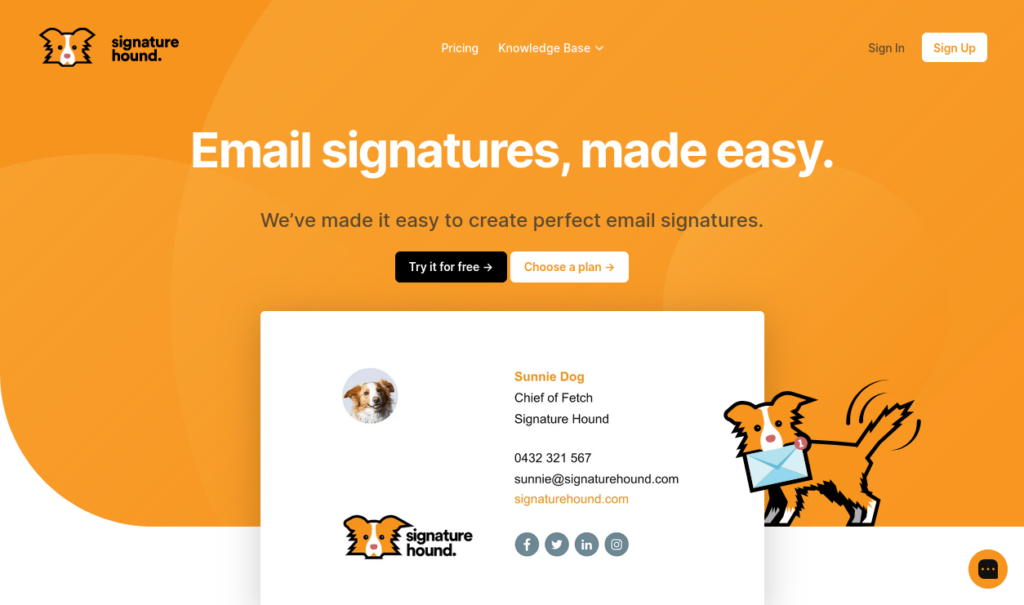
Signature Hound is a lower-cost email management solution that doesn’t require businesses to purchase enterprise software. Its offerings are simple, and advanced functionality is limited, but Signature Hound is a good entry option for businesses that need a bit of support with email signature management.
Users love:
- Affordable price point
- Quick setup
Users dislike:
- Customizations require HTML knowledge
- Updates require a restart
Best alternatives by business needs
If you’re still not sure which platform is the best NewOldStamp alternative, assess your business’s most important priorities to make the decision easier. Here’s a quick look at the best product for specific business needs:
- Best free option: HoneyBook
- Best for small businesses: Bybrand
- Best NewOldStamp alternative for Microsoft 365: WiseStamp
- Best for NewOldStamp alternative for Google Workspace: Bybrand
- Best for server-side email routing: Rocketseed
- Best for marketing teams: Letsignit
Most NewOldStamp alternatives offer free 14-day trials that make it possible to test a few solutions before making a more permanent decision. If you’re torn between two or three solutions, trials are a great way to gather hands-on information about each product.
Final verdict
NewOldStamp is a solid option for mid-market businesses that want consistent email signatures without technical skills. It’s versatile and customizable, but less suitable for larger businesses with strict compliance needs or startups and freelancers seeking a more budget-friendly, basic solution.
If your goal is to balance affordability, centralized email management, and marketing support, Bybrand is the best NewOldStamp alternative available. Businesses that want a free solution should start with HoneyBook. Finally, for complex environments with major IT specifications, a robust tool like Rocketseed is the way to go.
Getting clear on what your organization needs is the best way to find the email signature management platform that makes sense. Then ask for demos, start free trials, and work with your team to make the final decision.


Manage email signatures with more control
Bybrand helps companies generate, administer, and distribute email signatures for employees in one place.